How to stop automatically inviting a guest to meetings in Mixmax
Here is how to stop automatically inviting a guest to meetings in mixmax
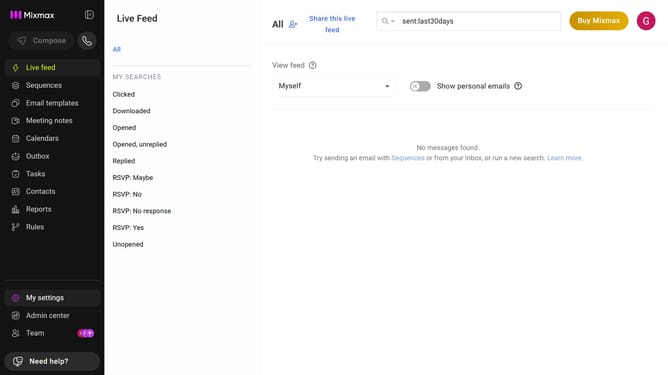
- First click on the "Calendars" menu in the left sidebar
- From the list of calendars, click on the calendar you want to edit
- Next, locate the "DEFAULT GUESTS" section
- Then find the guest you want to remove
- Finally click on the trash icon next to their email address
Why should you stop automatically inviting a guest to meetings in Mixmax
Mixmax is a versatile tool designed to enhance your email productivity.
In Mixmax, you can easily manage your calendar invites to maintain control over meeting participation. By stopping the automatic invitation of guests to meetings, you can ensure that each meeting includes only those who are truly necessary.
This feature is particularly useful in preventing unnecessary emails, reducing potential calendar congestion, and streamlining your scheduling processes. Taking charge of meeting invites fosters a more focused and efficient collaboration environment.
Last update