How to make Meeting Copilot join only external meetings in Mixmax
Here is how to make meeting copilot join only external meetings in mixmax
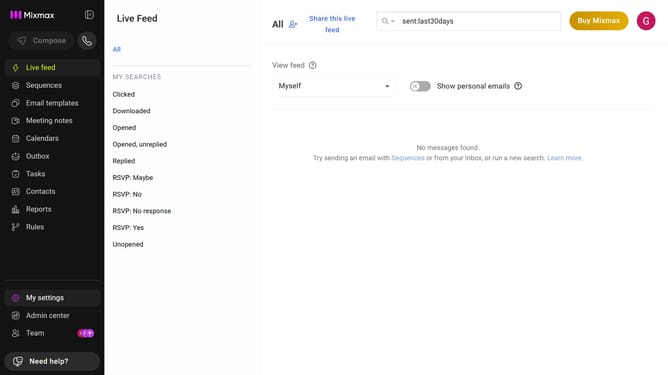
- First click on "My settings" in the left sidebar
- Next click on "Meeting Copilot" in the settings menu
- Then locate "Internal/external meetings" in the Joining meetings section
- Finally select the "Join only external meetings" option
Why should you make Meeting Copilot join only external meetings in Mixmax
Mixmax is a powerful platform designed to supercharge your email and communication workflow.
The feature that allows Meeting Copilot to join only external meetings in Mixmax is a thoughtful innovation ensuring streamlined operations. This selective participation enhances focus on valuable external interactions without cluttering your schedule with internal meetings.
Utilizing this feature helps maintain professionalism in client relationships and maximizes productivity by concentrating efforts on crucial external collaborations.
Last update