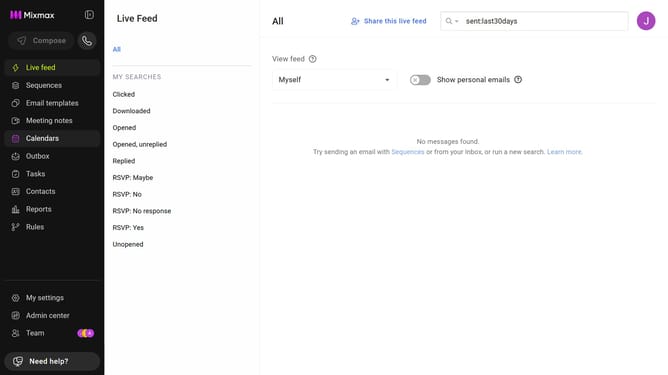
How to view top templates in Mixmax Reports
Here is how to view top templates in mixmax reports
- First click on "Reports" in the sidebar menu
- Next, click on the "Dashboard" tab
- Scroll down to the "Leaderboard" section
- Then, click on the leaderboard category dropdown and select "Top Templates"
- Next, click on the metric dropdown on the right side of the chart
- Finally, select the metric you want to view
Why should you view top templates in Mixmax Reports
Mixmax is a powerful email productivity tool designed to enhance communication and workflow efficiency.
Within Mixmax Reports, the feature to view top templates offers valuable insights into your most effective email templates.
This feature allows you to quickly identify which templates are driving engagement, empowering you to refine your email strategy for higher impact.
By understanding top-performing templates, you can optimize your communication efforts, ensuring consistent and successful interactions with your audience.
Last update