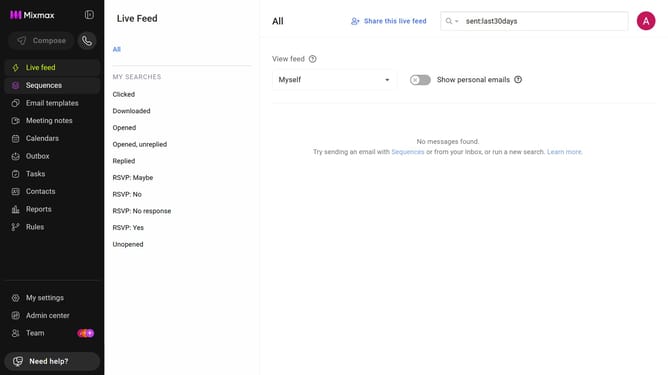
How to edit a sequence folder name in Mixmax
Here is how to edit a sequence folder name in mixmax
- First click on the "Sequences" in the left sidebar
- Next, locate the "MY FOLDERS" section in the sidebar
- Click on the folder you want to rename
- Then click on the pencil icon next to the folder name at the top
- Finally, enter the new folder name and press "Enter"
Why should you edit a sequence folder name in Mixmax
Mixmax is a powerful email optimization tool designed to enhance communication efficiency and workflow.
One standout feature of Mixmax is the ability to edit sequence folder names with ease. This feature is particularly useful for those who manage multiple email sequences, as it allows for quick adjustments and better organization.
Renaming sequence folders not only keeps your workspace tidy but also ensures that your team can accurately identify and prioritize tasks. Ultimately, this enhances productivity, leading to smoother, more effective operations.
Last update