How to use mask in Figma
Here is how to use mask in figma
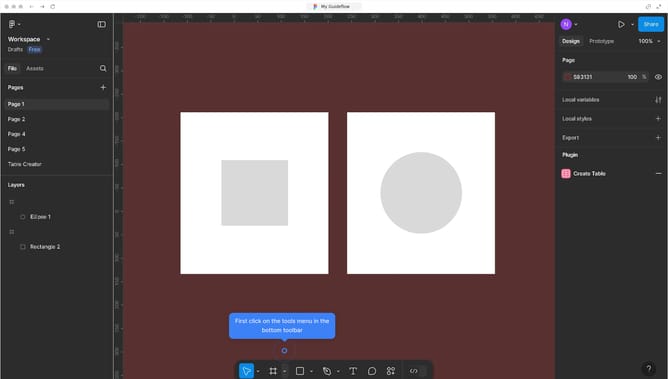
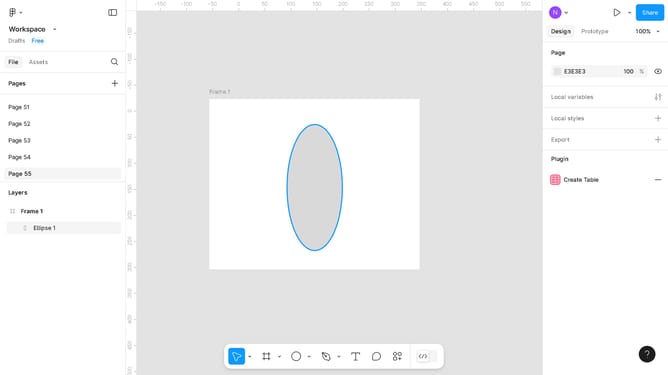
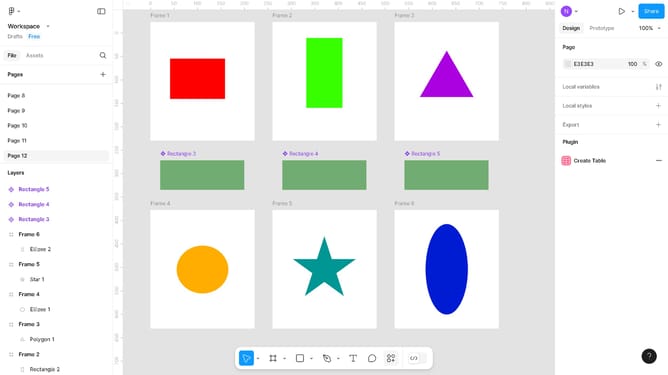
- First, click on the image you want to use as your mask
- Then bring it in front of the image you want to include in the mask
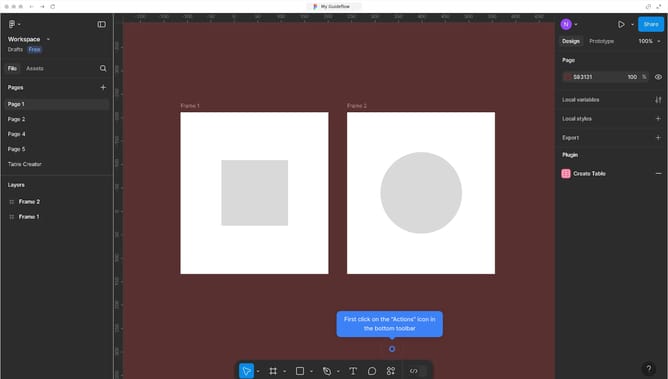
- Then click on the "More actions" button in the right sidebar
- After that, click on "Use as mask" option from the dropdown menu to apply your changes
Why should you use mask in Figma
Figma is a pioneering tool crafted for seamless digital design collaboration.
Using masks in Figma elevates your design by allowing you to creatively control the visibility of certain layers. This feature refines designs by making specified parts of an image visible, thus directing focus and enhancing aesthetics.
Masks are beneficial in crafting professional-looking graphics effortlessly, aiding in composition precision without altering the original elements. This leads to more polished and cohesive designs.
Last update