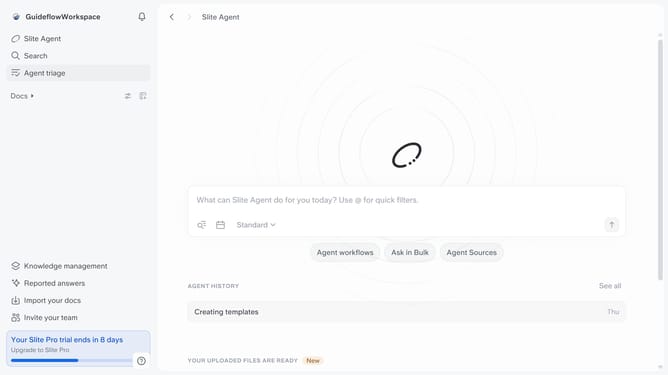
How to select who can publicly share docs and channels in Slite
Here is how to select who can publicly share docs and channels in slite
- First click on your workspace name in the upper left sidebar
- Then click on the "Settings" option in the left sidebar
- Next click on "Public sharing" in the sidebar
- Then click on the dropdown for "Select who can publicly share docs and channels" settings
- Finally select from the dropdown list
Why should you How to select who can publicly share docs and channels in Slite
Slite is a collaborative workspace designed to streamline team communication and knowledge sharing.
With Slite, you have the ability to control who can publicly share documents and channels. This feature ensures that sensitive information remains within the team, offering peace of mind and enhanced security.
By selecting who can share publicly, teams maintain better control over their intellectual property and internal discussions. It enhances privacy and aligns with company policies, fostering a trusted environment for collaboration.
Last update