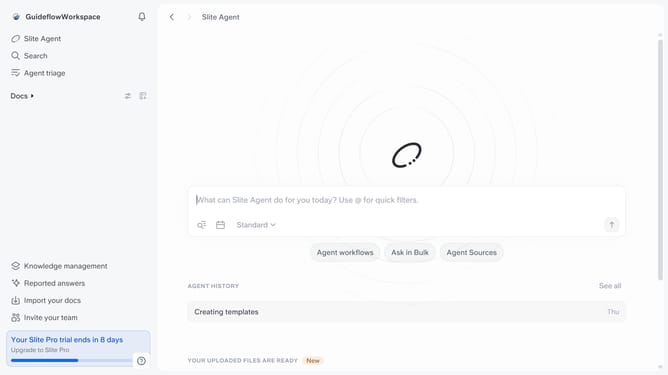
How to copy invitation link in Slite
Here is how to copy invitation link in slite
- First click on your workspace name in the upper left sidebar
- Then click on the "Settings" option in the left sidebar
- Then click on "Security" in the sidebar
- Finally click on the "Copy" button in the invite link
Why should you How to copy invitation link in Slite
Slite is a collaborative workspace designed to streamline team communication and knowledge sharing effortlessly.
The ability to copy an invitation link in Slite empowers teams to seamlessly invite members to their workspace with just a few clicks. This feature enhances collaboration by allowing team leaders to conveniently distribute access, ensuring all members can participate actively in the project environment.
Utilizing this feature saves time and minimizes onboarding friction, enabling teams to focus more on productivity and collaboration. Quickly sharing invitation links fosters a more inclusive and connected team culture.
Last update