How to select a public homepage in Slite
Here is how to select a public homepage in slite
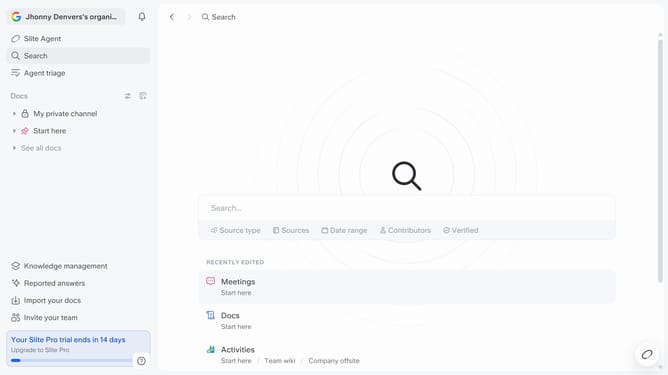
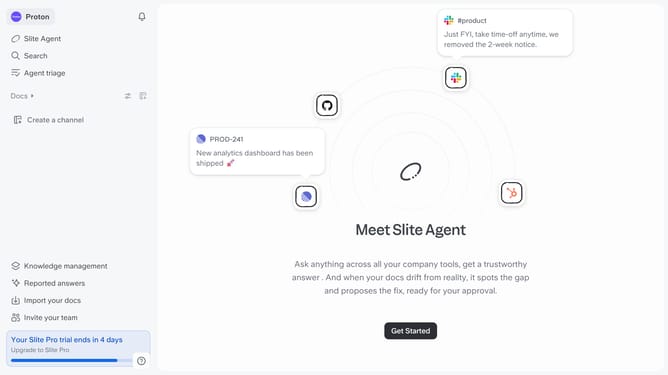
- First click on your workspace name in the upper left sidebar
- Then click on the "Settings" option in the left sidebar
- Next click on "Public sharing" in the sidebar
- Then click on the text input field in the "Public homepage" section and enter the document name
- Finally select from the dropdown list
Why should you How to select a public homepage in Slite
Slite is a collaborative tool designed to streamline your team's knowledge sharing and note-taking.
One of its standout features is the ability to select a public homepage, which enhances transparency and accessibility for your team’s core information.
By choosing a public homepage, you ensure that important resources and updates are readily available to all team members, fostering a more informed and aligned work environment.
This feature supports smoother communication and boosts productivity by reducing the time spent searching for essential documents.
Last update