How to edit your workspace name in Slite
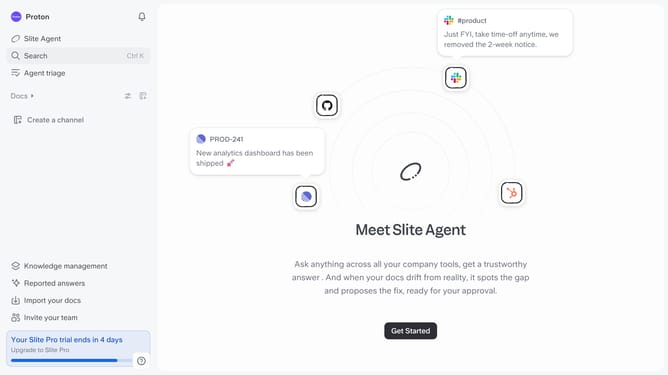
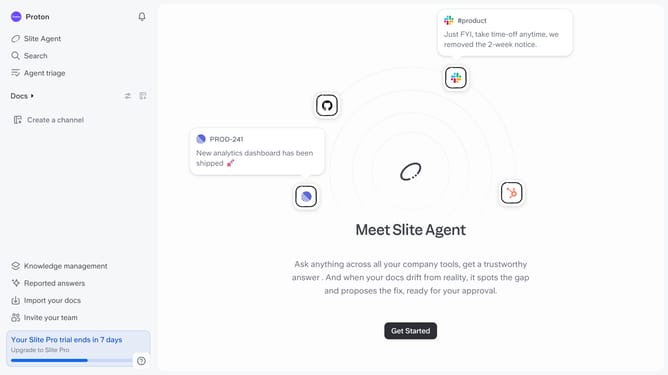
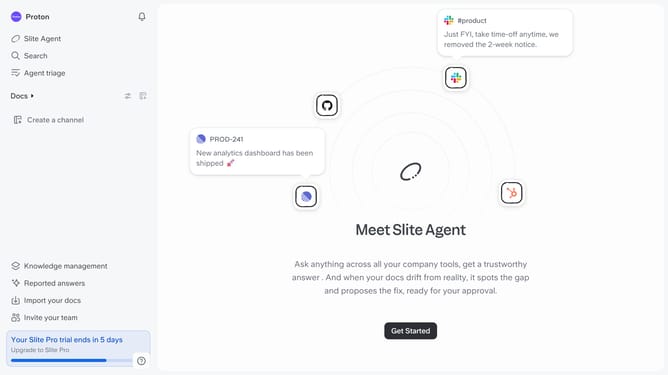
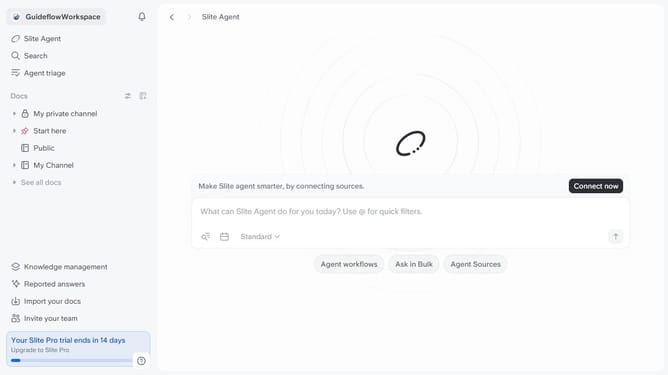
Here is how to edit your workspace name in slite
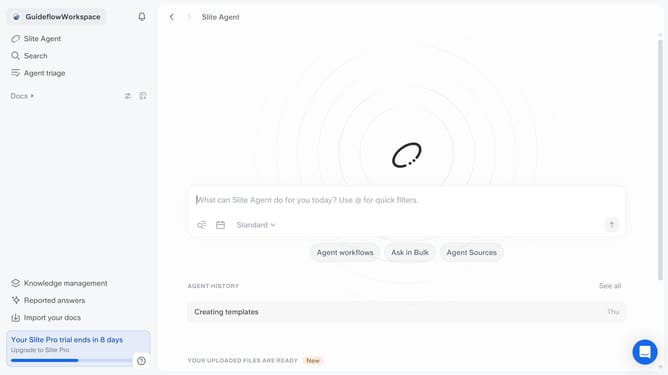
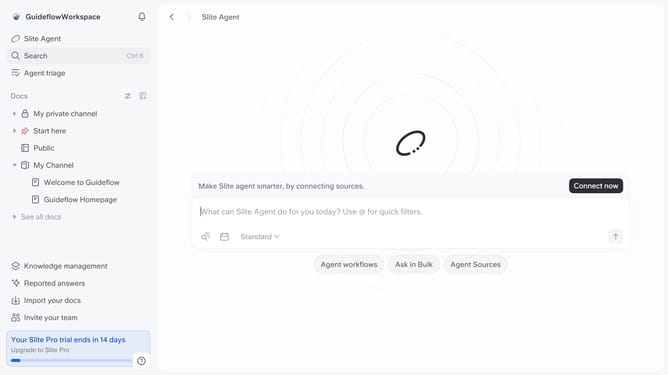
- First click on your workspace name in the upper left sidebar
- Then click on "Settings" option in the left sidebar
- Then click on "General settings" in the left sidebar
- Then click on the "Workspace name" input field and edit it
- Finally click on "Save" button
Why should you How to edit your workspace name in Slite
Slite is a modern tool for team collaboration and knowledge sharing, ensuring efficient communication.
Editing your workspace name in Slite is a seamless feature that enhances organization and clarity for your team. Using this feature allows your workspace to reflect updates or rebranding, aligning with your team's evolving identity. Keeping your workspace name current reinforces its relevance to team members and collaborators.
This feature promotes a more intuitive navigation experience, reducing confusion and ensuring everyone is always aligned with the workspace’s purpose. This fosters a more professional environment and supports smooth workflow management.
Last update