How to add your profile picture on Slite
Here is how to add your profile picture on slite
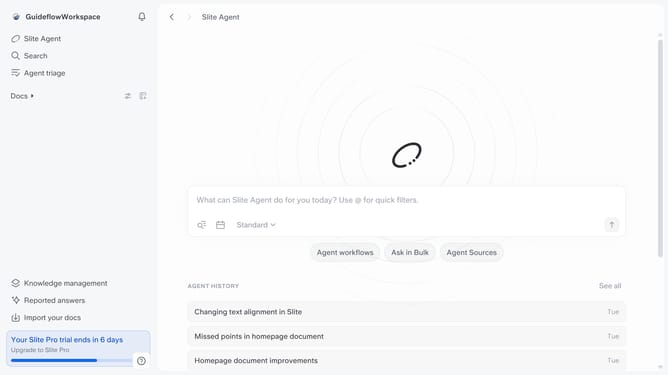
- First click on your workspace name in the upper left sidebar
- Then click on the "Settings" option in the sidebar
- Finally click on the "Upload image" button and add your preferred image
Why should you How to add your profile picture on Slite
Slite is a collaborative workspace designed to seamlessly empower teams by organizing their information and communication in one place.
Customizing your profile with a picture is a simple yet impactful feature in Slite. It fosters a sense of community and makes interactions more personable and engaging.
By having your image displayed, team members can easily recognize and connect with you, enhancing team collaboration. This personal touch helps in building stronger relationships within the team, leading to more effective communication and a positive work environment.
Last update