How to see all the docs publicly shared in Slite
Here is how to see all the docs publicly shared in slite
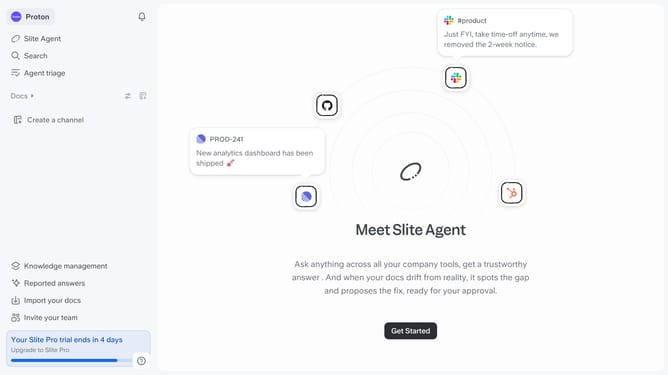
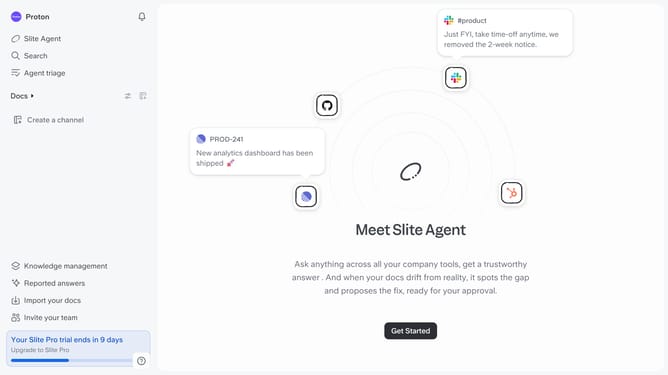
- First click on your workspace name in the upper left sidebar
- Then click on the "Settings" option in the left sidebar
- Next click on "Public sharing" in the sidebar
- Finally click on the "See all public docs" button
Why should you How to see all the docs publicly shared in Slite
Slite is a collaborative documentation platform designed to keep your team's knowledge organized and accessible.
One standout feature allows users to see all the docs publicly shared in Slite. This offers a seamless way to access valuable insights and information that your team has chosen to share openly.
Utilizing this feature helps streamline workflows by centralizing knowledge. It enhances transparency, fosters collaboration, and supports informed decision-making. Having access to shared documentation means everyone stays aligned and up-to-date effortlessly.
Last update