How to choose who can create channels in Slite
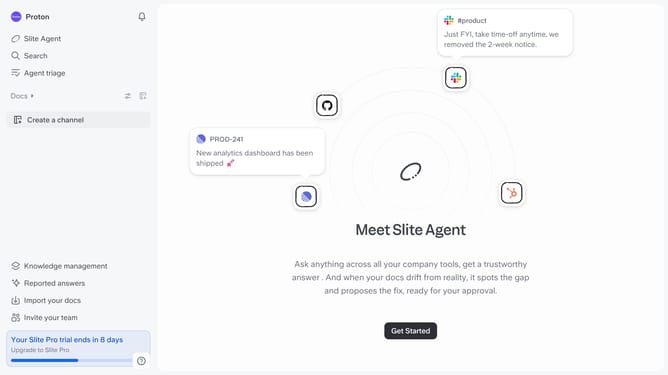
Here is how to choose who can create channels in slite
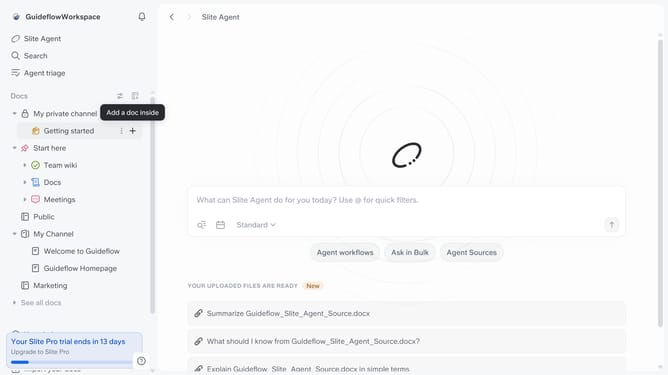
- First click on your workspace name in the upper left sidebar
- Then click on the "Settings" option in the left sidebar
- Then click on "Security" in the sidebar
- Then click on the dropdown in the "Create and manage channels" section
- Finally click an option in the dropdown menu
Why should you How to choose who can create channels in Slite
Slite is a collaborative workspace designed to foster seamless team communication and organization.
In Slite, choosing who can create channels adds a layer of customization that enhances control over team dynamics.
This feature allows administrators to designate specific team members with channel creation rights, ensuring that only relevant and necessary channels are established.
By managing channel creation, teams can maintain a focused and organized workspace, reducing clutter and enhancing productivity through streamlined communication.
Last update