How it works
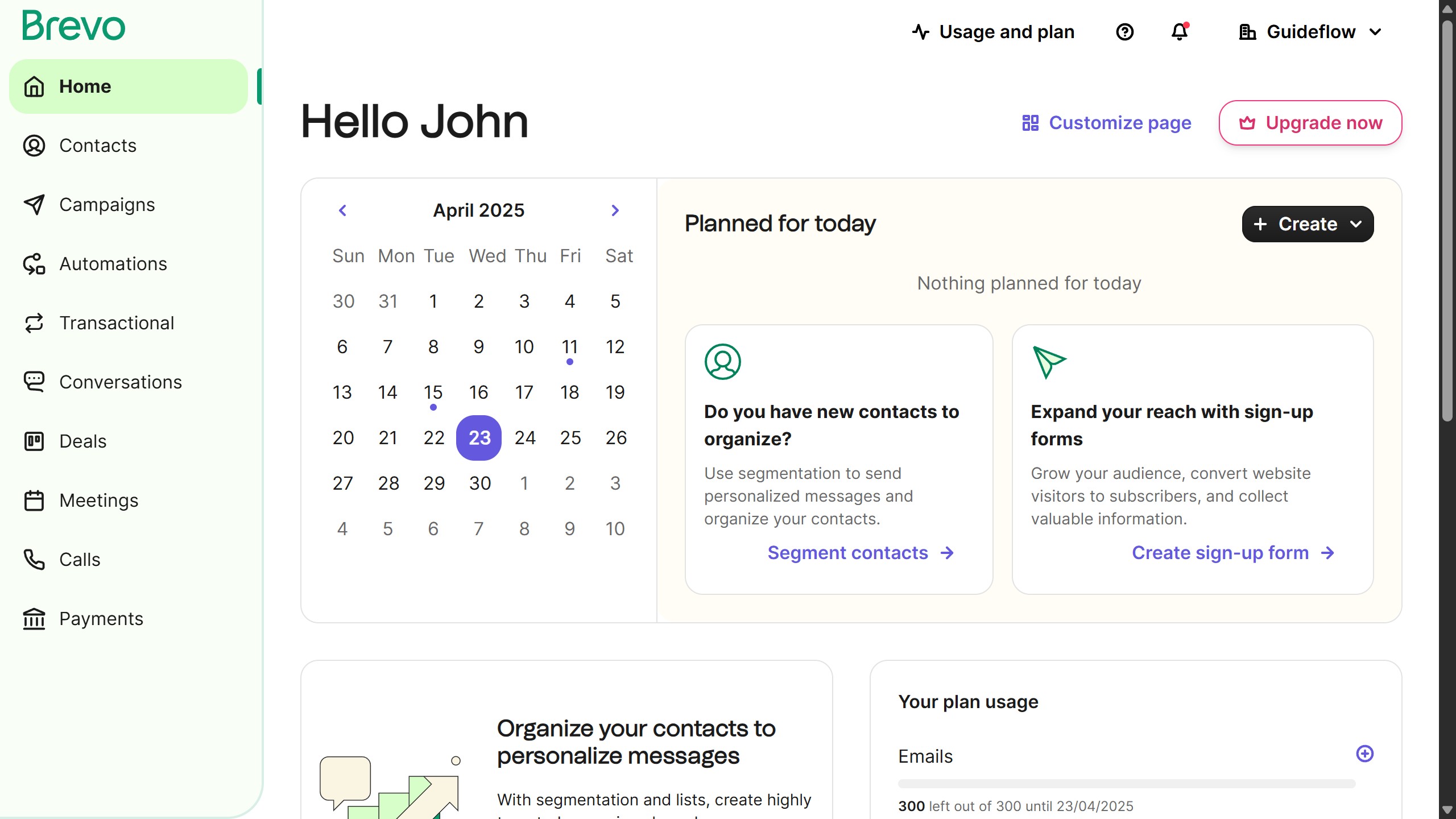
1. First click on the "Campaigns" option in the left sidebar menu
2. In the main content area, click on the email in the "Campaigns" section
3. Click the "Schedule" button in the top-right corner of the campaign editor
4. Select the "Schedule for later" option in the scheduling modal
5. Click the date field to open the date picker
6. Click on the time field to open the time picker
7. Finally click the "Schedule" button at the bottom of the scheduling modal