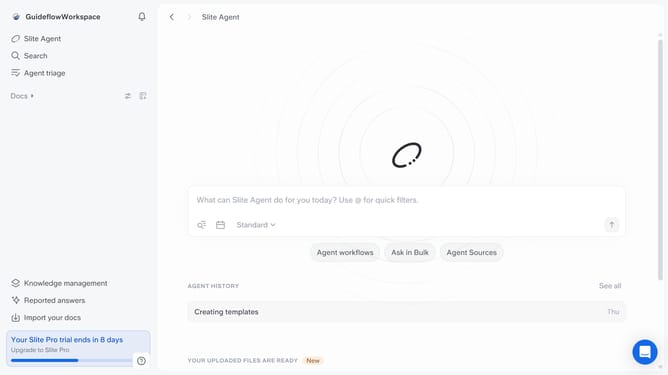
How to save your document as a template in Slite
Here is how to save your document as a template in slite
- First click on "Docs" item in the left sidebar
- Then open the Slite document you want to edit
- Then click on the three dots icon in the top right corner of the header
- Finally select "Save to templates" from the dropdown menu.
Why should you How to save your document as a template in Slite
Slite, a collaborative workspace tool, streamlines teamwork and boosts productivity with organized knowledge sharing.
Saving your document as a template in Slite enables effortless consistency across projects. This feature provides a seamless way to replicate your most efficient formats for repetitive tasks, ensuring that everyone on your team maintains the same high standard of work.
By creating templates, you foster uniformity and efficiency, reducing time spent on recreating content from scratch. This leads to enhanced productivity, saving valuable time and energy for more strategic tasks.
Last update