How to resume a suspended campaign in Brevo
Here is how to resume a suspended campaign in brevo
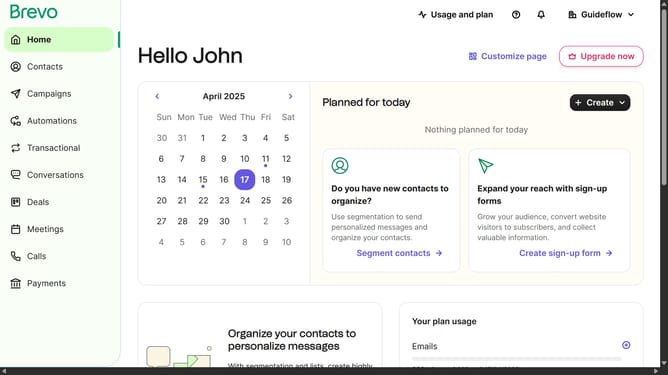
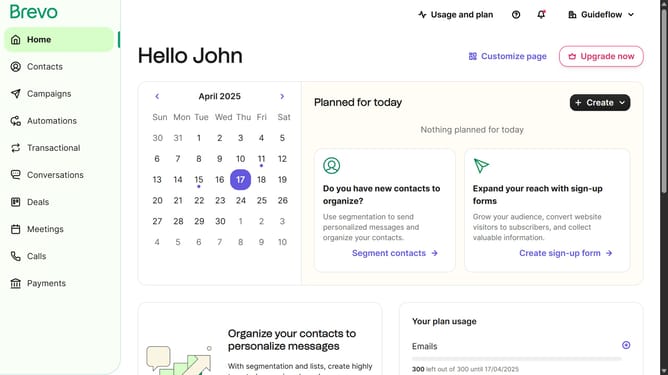
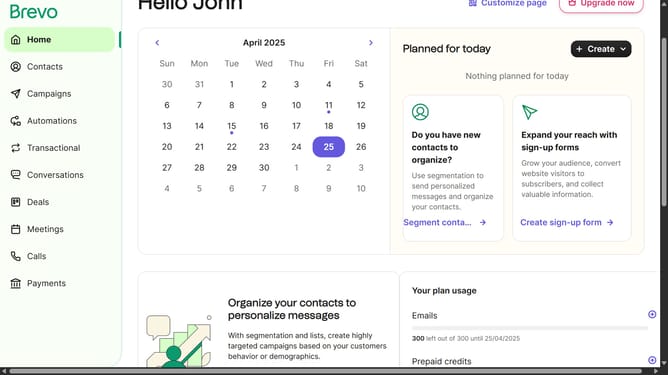
- First click on the "Campaigns" item in the left sidebar menu
- Next click the "More options" button next to the "Sample Campaign"
- From the dropdown menu, click on the "Resume campaign" option
- Finally click the "Resume campaign" button to confirm resuming the suspended campaign
Why should you resume a suspended campaign in Brevo
Brevo is your all-in-one solution for seamless business communication and marketing success.
The ability to resume a suspended campaign in Brevo ensures that your marketing efforts stay uninterrupted and dynamic.
With this feature, you maintain control over your marketing activities by easily restarting paused campaigns, allowing for flexibility and strategic timing.
This capability is invaluable for refining targeting, adjusting messages, and optimizing reach, ultimately enhancing your campaign's effectiveness and results.
Last update