How to remove the completed status filter from imported documents in PandaDoc
Here is how to remove the completed status filter from imported documents in pandadoc
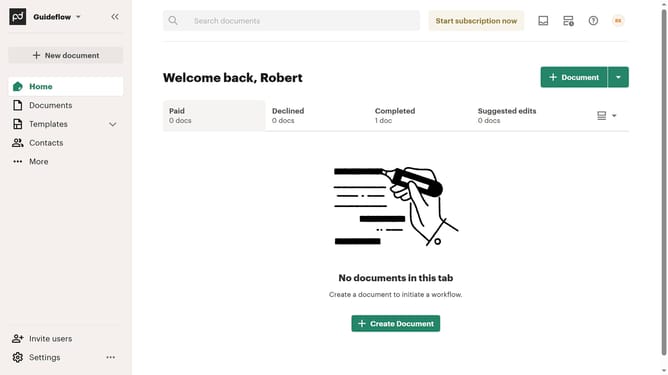
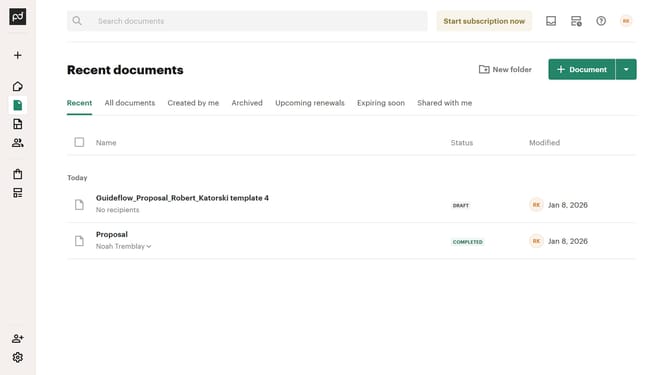
- First click on "Documents" in the left sidebar navigation menu
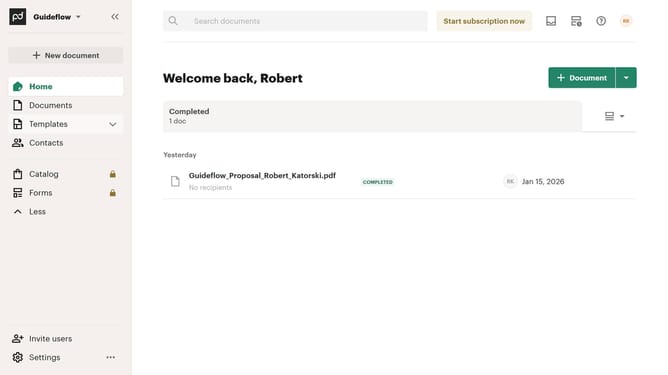
- Then click on the "Imported" tab in the top navigation bar
- Next click on the filter dropdown button in the filter toolbar
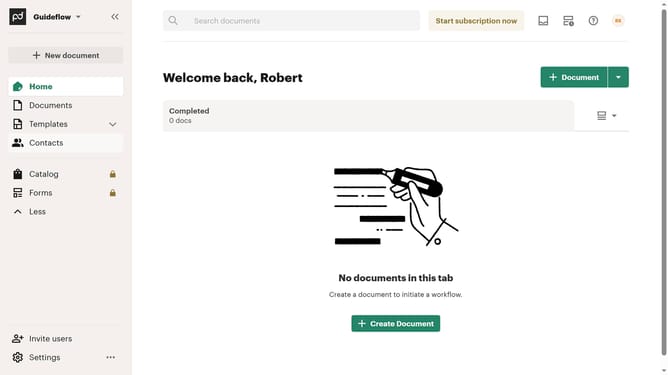
- Then uncheck the "Completed" checkbox option from the status filter dropdown menu
- Finally click on the "Apply" button to confirm the filter selection
Why should you remove the completed status filter from imported documents in PandaDoc
PandaDoc simplifies the paperwork process through its versatile document automation platform.
The ability to remove the completed status filter from imported documents within PandaDoc offers users enhanced document management flexibility.
This feature becomes particularly beneficial when reviewing past projects or conducting audits, allowing you to view all documents, regardless of their completion status, thereby providing comprehensive insights.
By accessing these documents freely, users can strategically organize and reassess content, optimizing both time and resources.
Last update