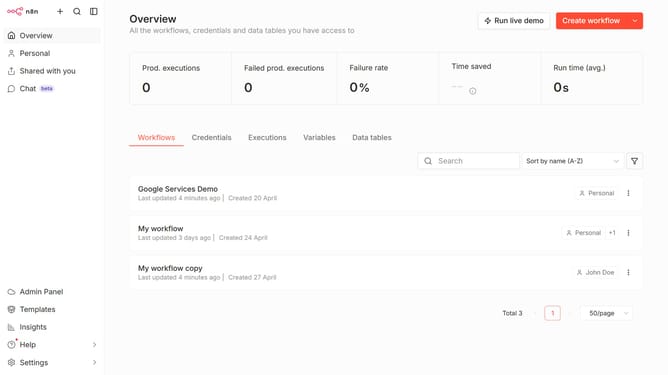
How to remove default Anthropic chat provider credential in n8n
Here is how to remove default anthropic chat provider credential in n8n
- First click on "Settings" in the left sidebar.
- Then click on "Chat" in the left sidebar menu.
- Then click on the three dots icon next to the Anthropic.
- Then click on the "Edit provider" button.
- Then click on the "x" icon for the default credential.
- Finally click on the "Confirm" button.
Why should you remove default Anthropic chat provider credential in n8n
n8n is a powerful workflow automation tool designed to connect diverse applications and streamline processes seamlessly.
In instances where the default Anthropic chat provider credentials are no longer necessary, n8n allows for their easy removal to maintain system efficiency and security.
This feature provides flexibility and control, ensuring users can customize their workflow environment precisely to their needs without carrying unused settings.
The ability to manage and update credentials ensures your data integrations remain clean, organized, and efficient.
Last update