How to disable xAI Grok chat provider in n8n
Here is how to disable xai grok chat provider in n8n
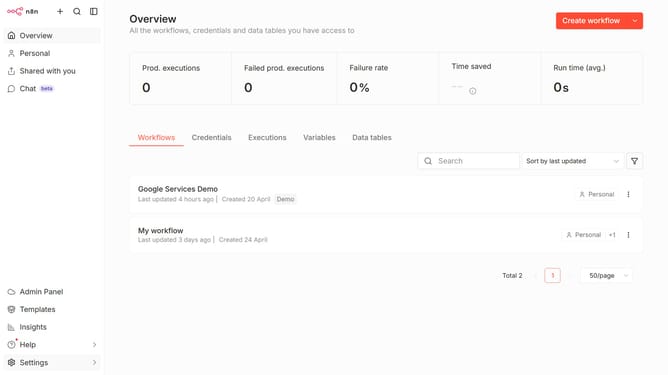
- Then click on "Settings" item in the left sidebar
- Then click on "Chat" item in the sidebar menu
- Then click on the three dots icon next to xAI Grok in the main content area
- Then click on "Edit provider" button.
- Then click on the toggle switch to disable "xAI Grok"
- Then click on "Confirm" button.
Why should you disable xAI Grok chat provider in n8n
n8n is a powerful automation tool designed to streamline complex workflows effortlessly.
Disabling the xAI Grok chat provider in n8n can enhance your workflow efficiency by allowing you to tailor automation processes to your specific needs.
Without the xAI Grok chat provider, n8n maintains a clean, focused environment, which can improve processing times and resource allocation for other critical tasks. Understanding how to manage this feature ensures that workflows remain optimized and relevant to your organizational objectives.
Last update