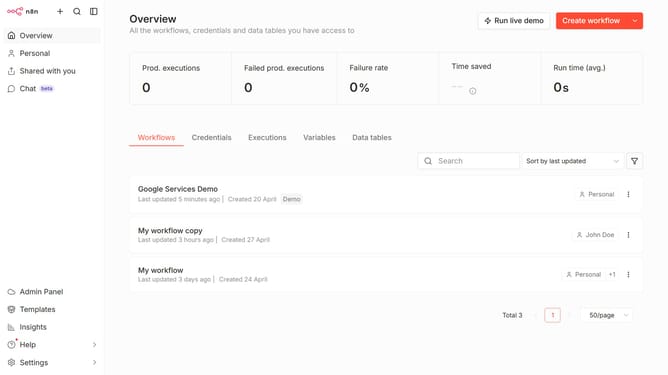
How to set default xAI Grok chat provider credential in n8n
Here is how to set default xai grok chat provider credential in n8n
- First click on "Settings" item in the left sidebar
- Then click on "Chat" item in the left sidebar menu
- Then click on the three dots icon next to the chat entry
- Then click on "Edit provider" button
- Then click on the "Select" dropdown in the "Default credential" section
- Then select your preferred credential from the dropdown
- Finally click on "Confirm" button
Why should you set default xAI Grok chat provider credential in n8n
n8n is a powerful workflow automation tool that connects various applications, streamlining everyday tasks seamlessly.
By setting a default xAI Grok chat provider credential in n8n, users ensure a smooth integration with AI-powered chat services. This feature enhances communication workflows by automatically linking chat interactions with diverse applications through n8n.
Creating a default credential simplifies configuration and promotes efficiency, saving time for users while maintaining consistent connections without repetitive setups. This not only boosts productivity but also enhances the overall automation experience within n8n.
Last update