How to create Airtable Personal Access Token API credential in n8n
Here is how to create airtable personal access token api credential in n8n
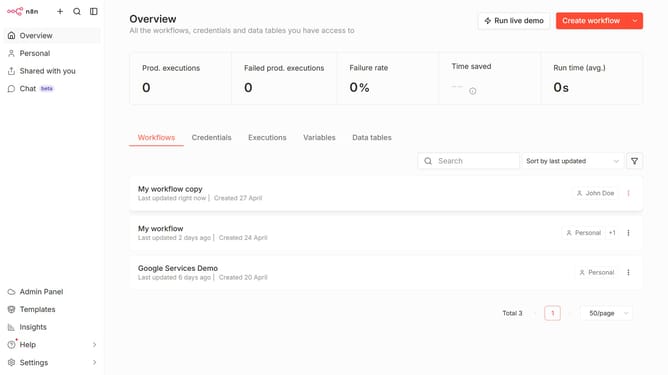
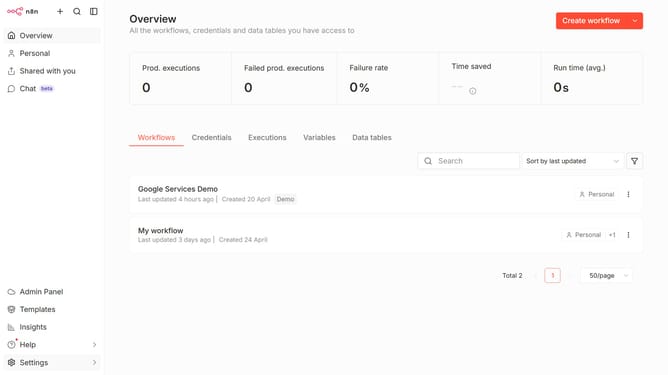
- First click on the dropdown arrow next to "Create workflow" in the header.
- Then click on "Create credential" button.
- Next select "Airtable Personal Access Token API" in the list.
- Then click on the "Continue" button.
- Next click on the input field and enter your "Access Token".
- Finally click on the "Save" button.
Why should you create Airtable Personal Access Token API credential in n8n
n8n is an innovative automation tool designed to streamline workflows through seamless integrations.
Creating an Airtable Personal Access Token API credential in n8n empowers users to connect effortlessly with their Airtable bases. This feature enables users to securely access and manipulate their Airtable data directly within n8n, enhancing productivity and data management capabilities.
By leveraging this feature, users can benefit from a more unified and efficient workflow, reducing the need for manual interventions and minimizing errors. The integration facilitates seamless data synchronization, ultimately optimizing operations and saving valuable time.
Last update