How to remove a pop up card in Brevo
Here is how to remove a pop up card in brevo
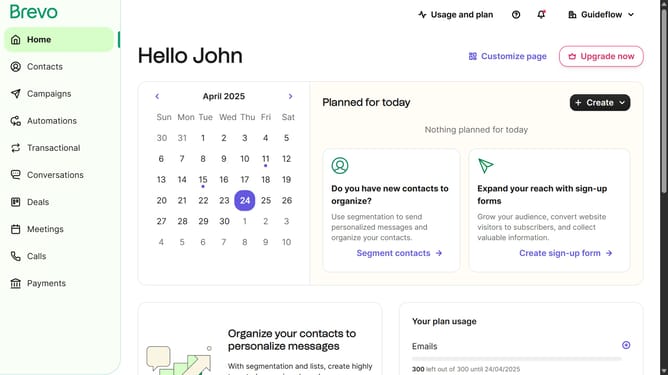
- First click on the sidebar menu item "Contacts" to access the contacts section
- Then click on the submenu item "Forms" in the contacts sidebar section
- Next click on the options menu (three dots) in the top-right corner of the "Copy of Pop-up Form" card
- Then click on the "Delete" option from the dropdown menu that appears
- Finally click on the "Delete form" button in the confirmation dialog box
Why should you remove a pop up card in Brevo
Brevo is your go-to tool for streamlining online communications and boosting productivity.
One of the handy features in Brevo is the ability to remove pop-up cards seamlessly. This feature enhances your user experience by reducing clutter and focusing attention on essential content.
Eliminating unnecessary pop-up cards not only simplifies navigation but also speeds up workflow efficiency, allowing for a smoother and more engaging interface.
Last update