How to permanently delete a contact folder in Brevo
Here is how to permanently delete a contact folder in brevo
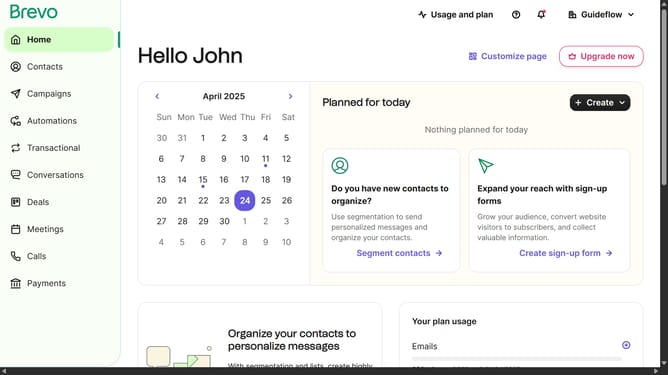
- First click on "Contacts" in the left sidebar navigation menu
- Then click on "Lists" in the submenu under Contacts section
- Next click on the dropdown button in the "Lists" main menu section
- Then click on the contact folder from the expanded dropdown menu
- In the main content area, click on the "Delete folder" button located next to the folder name
- Next click the checkbox that says "I am sure I want to delete the folder and the included lists"
- Finally, click the "Delete folder and lists" button in the confirmation dialog
Why should you permanently delete a contact folder in Brevo
Brevo is an innovative platform designed to streamline your contact management effortlessly.
In Brevo, easily eliminating a contact folder helps in maintaining an organized and clutter-free database. This feature ensures your contact list remains relevant and updated, thereby enhancing your communication efficiency.
Taking control of your contact folders by permanently deleting them not only frees up valuable space but also improves data management. The simplicity of this feature allows you to focus on more crucial tasks, knowing your contacts are precisely the way you need them.
Last update