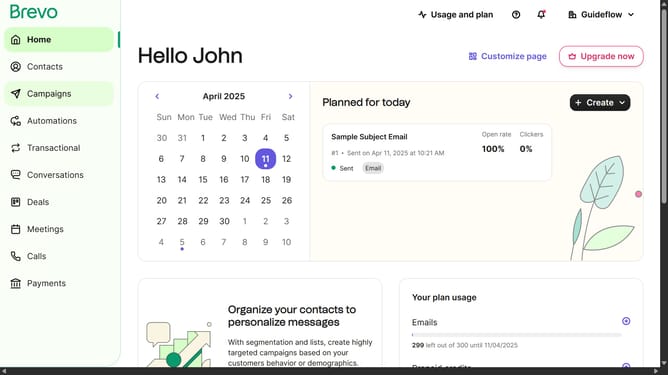
How to put away an automation in Brevo
Here is how to put away an automation in brevo
- First click on "Automations" item in the left sidebar
- Then click on the "Transactional activity" automation from the list
- Click on the automation name dropdown in the top header
- Next click on "Delete automation" option from the dropdown menu
- Finally click on "Delete automation" button in the confirmation dialog
Why should you put away an automation in Brevo
Brevo is a powerful platform designed to streamline your marketing and communication efforts through effective automation.
The "put away" feature in Brevo's automation allows users to pause or temporarily disable workflows without losing the setup and data. This facilitates greater flexibility and control over marketing campaigns, particularly when testing new strategies or making adjustments to existing automations.
By using this feature, you can easily manage resource allocation and ensure optimal performance of your ongoing marketing activities, thus maximizing efficiency and impact.
Last update