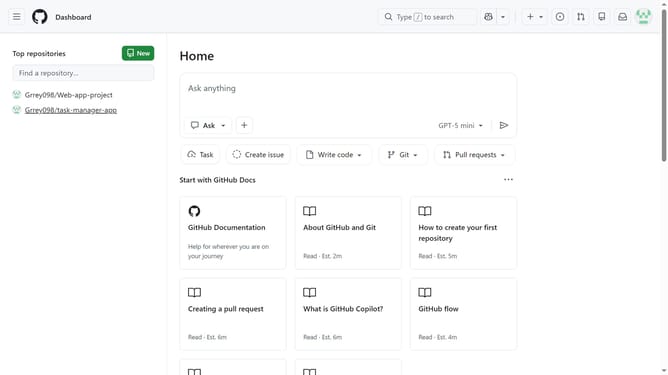
How to manage private vulnerability reporting for your repositories in GitHub
Here is how to manage private vulnerability reporting for your repositories in github
- First click on your profile picture in the top-right corner of the header
- Next click on "Settings" option in the dropdown menu
- In the left sidebar navigation, click on "Code security" under Security section
- Then scroll down to the "Private vulnerability reporting" option
- To the right of private vulnerability reporting, click "Enable all" or "Disable all" to disable or enable it for all the repositories you own
- Check or uncheck "Automatically enable for new public repositories" to enable or disable private vulnerability reporting for new repositories
Why should you manage private vulnerability reporting for your repositories in GitHub
GitHub is a powerful platform for developers to collaborate on code and manage projects efficiently.
Private vulnerability reporting allows repository owners to streamline handling of security issues discreetly, minimizing risks of public exposure.
By managing private vulnerability reports, developers can address potential threats quickly and quietly, maintaining a secure codebase while ensuring collaborators feel confident in their contributions.
Embracing this feature enhances trust, ensuring your project remains robust and secure against potential vulnerabilities.
Last update