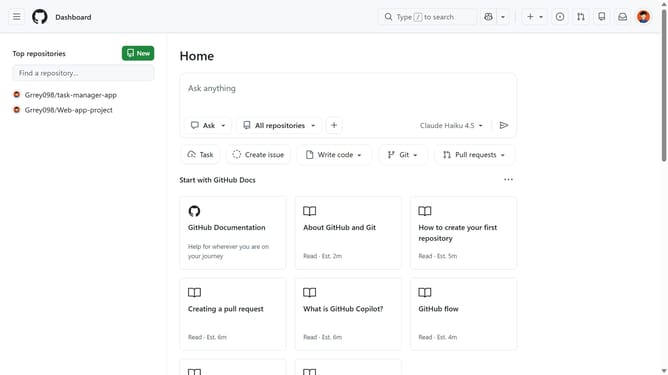
How to manage link underline settings in GitHub
Here is how to manage link underline settings in github
- First click on your profile picture in the top-right corner of the header
- Next click on "Accessibility" option in the dropdown menu
- Locate the "Content" section on the Accessibility settings page
- Then select the "Hide link underlines" or "Show link underlines" option depending on your preferences
- Finally click on "Save content preferences" button to save the changes
Why should you manage link underline settings in GitHub
GitHub is a powerful platform that brings developers together to collaborate and manage code effectively.
Among its many features, GitHub allows users to manage link underline settings, enhancing the clarity and presentation of links within repositories. This feature provides flexibility in how links are displayed, helping users to tailor the interface to their preferences or project needs.
By customizing link appearance, users can improve readability and accessibility, ensuring that the visual presentation aligns with their workflow and enhances end-user experience.
Last update