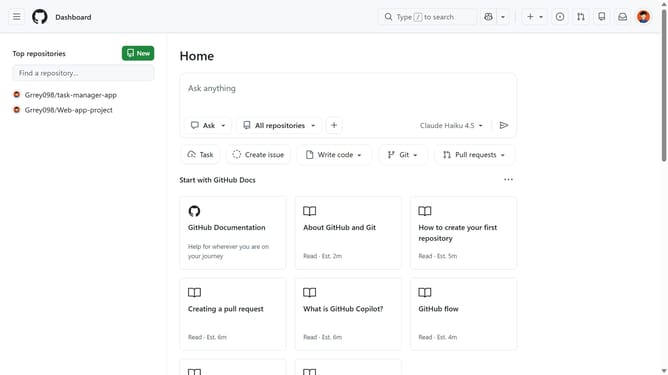
How to remove the location of your GitHub organization
Here is how to remove the location of your github organization
- First click on your profile picture in the top-right corner of the header
- Next click on "Organizations" in the dropdown menu
- Click on the "Settings" button next to the organization
- Scroll down and locate the "Location" dropdown in the organization profile settings
- Then click on "Clear Location" at the bottom of the location dropdown menu
- Finally click on "Update profile" button to save the changes
Why should you remove the location of your GitHub organization
GitHub is a powerful platform designed for collaborative coding and version control, connecting developers worldwide.
The ability to remove the location of your GitHub organization enhances privacy. By not displaying a specific location, your organization maintains a focus on inclusivity and global collaboration, rather than geographical constraints.
Utilizing this feature can protect against potential bias and ensure that your organization's presence remains universally appealing. This fosters a diverse and welcoming environment for all contributors.
Last update