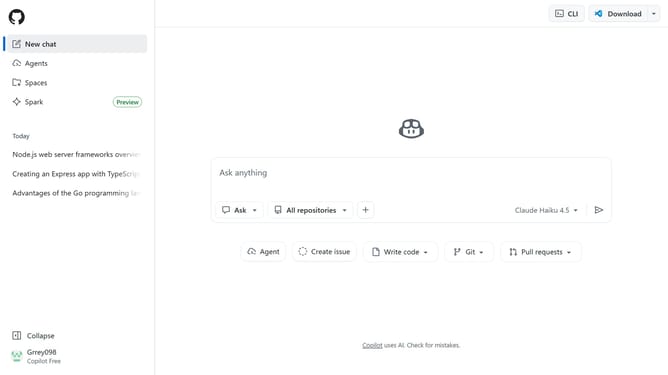
How to create a space in GitHub Copilot
Here is how to create a space in github copilot
- First click on the "Copilot" button in the top toolbar
- Next click on "Spaces" option in the left sidebar menu
- Next click on "Create space" button in the main content area
- Then enter a name for your space in the "Space name" input field
- Click on the "Owner" dropdown menu in the dialog
- Choose whether the space is owned by you or by an organization you belong to
- Then click on "Create Space" button in the dialog
- Next click on the space description text field below the space title
- Then add a description
- Click on the "Save" button to confirm the description
- Finally you can add two types of context to your space
Why should you create a space in GitHub Copilot
GitHub is a leading platform for developers to collaborate on code effortlessly.
Creating a space in GitHub Copilot enhances your coding experience, allowing for seamless integration between your project’s needs and Copilot's predictive assistance.
This feature supports better organization and collaboration by enabling customized environments tailored to specific development tasks.
Utilizing this capability boosts productivity and fosters creativity, elevating your coding projects to new levels of efficiency.
Last update