How to export a conversation as JSON in GitHub Copilot Chat
Here is how to export a conversation as json in github copilot chat
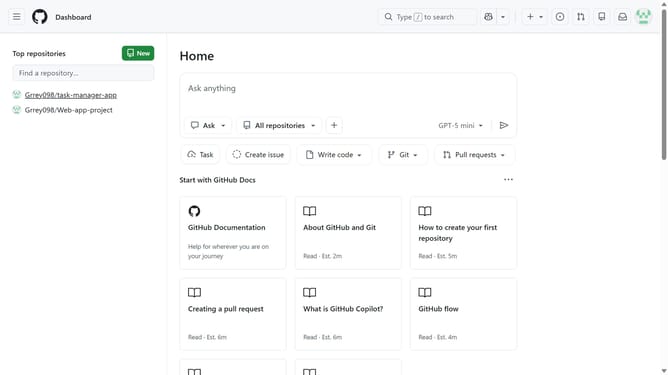
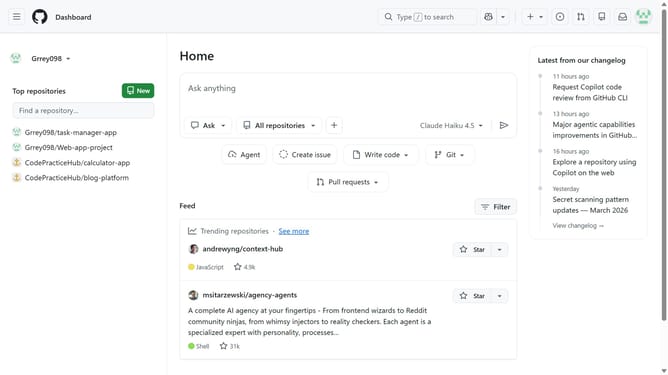
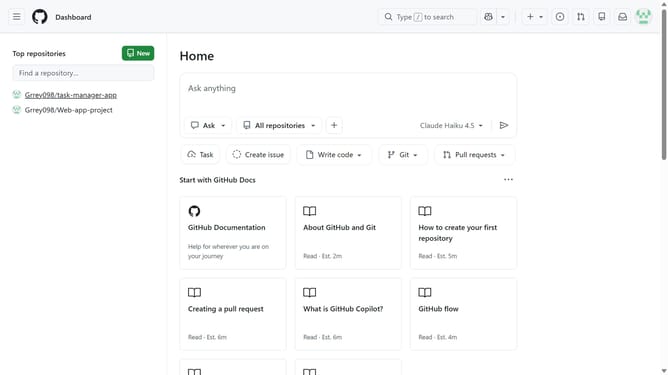
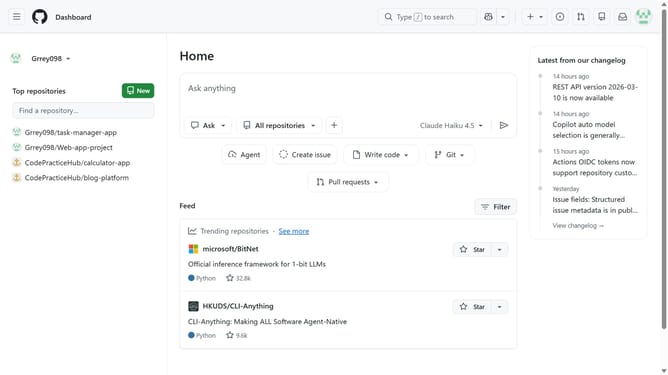
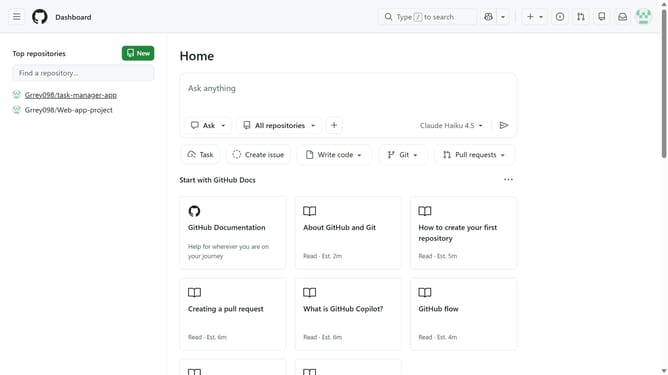
- First, click on the copilot button next to the search bar in the top navigation bar
- Next, open the conversation you want to export
- Click on the dropdown next to the conversation title at the top of the chat
- Then click on "Export" from the dropdown menu
- Finally select the "JSON" option
Why should you export a conversation as JSON in GitHub Copilot Chat
GitHub is a dynamic platform designed to facilitate collaboration and code-sharing among developers worldwide.
Exporting a conversation as JSON in GitHub Copilot Chat enhances data management by allowing seamless integration into various applications and workflows.
This feature empowers developers to maintain detailed records of chat interactions, making it easier to track project discussions and streamline decision-making processes.
Utilizing the JSON format ensures compatibility and accessibility, ultimately fostering more efficient teamwork and project management.
Last update