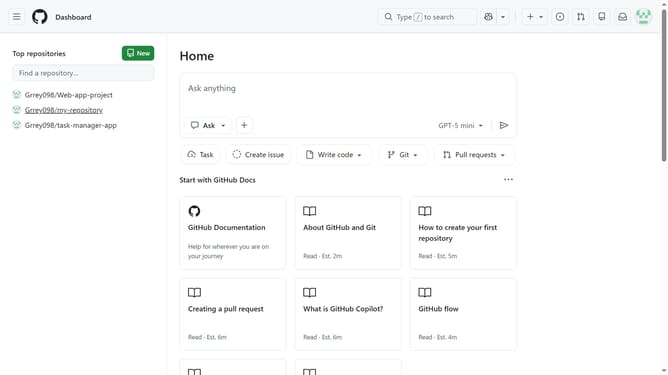
How to reset your profile picture to the identicon in GitHub
Here is how to reset your profile picture to the identicon in github
- First click on your profile picture in the top-right corner of the page
- Next click on "Settings" option from the dropdown menu
- Click on the "Edit" button below the profile picture
- Finally click on "Remove photo" button from the dropdown menu to revert to your identicon
Why should you reset your profile picture to the identicon in GitHub
GitHub is a collaborative platform designed to streamline software development and version control.
Resetting your profile picture to the identicon in GitHub offers a simple yet effective way to maintain privacy and professionalism.
The identicon, a unique geometric pattern, is automatically generated and linked to your account, ensuring a consistent and clean look without the use of personal images.
This feature is particularly advantageous for users who wish to emphasize the technical and collaborative aspects of their GitHub presence.
Last update