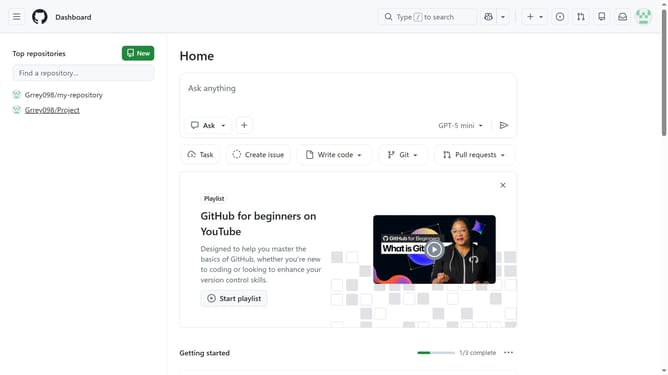
How to update your profile bio in GitHub
Here is how to update your profile bio in github
- First click on your profile picture in the top right corner
- Next click on "Settings" from the dropdown menu
- Locate the "Bio" field in the "Public profile" section
- Then edit your bio as desired
- Finally, scroll down and click "Update profile" to save the changes
Why should you update your profile bio in GitHub
GitHub is a powerful platform for version control and collaboration, enabling developers to manage and share their code easily.
Updating your profile bio on GitHub is a simple yet impactful feature that allows you to express your professional identity. A well-crafted bio can highlight your skills, interests, and projects, making it easier for others to understand your expertise and connect with you.
Having an updated bio benefits you by enhancing your visibility within the developer community, helping recruiters and collaborators to quickly recognize your potential and reach out for opportunities. It's an easy way to showcase who you are and what you do.
Last update