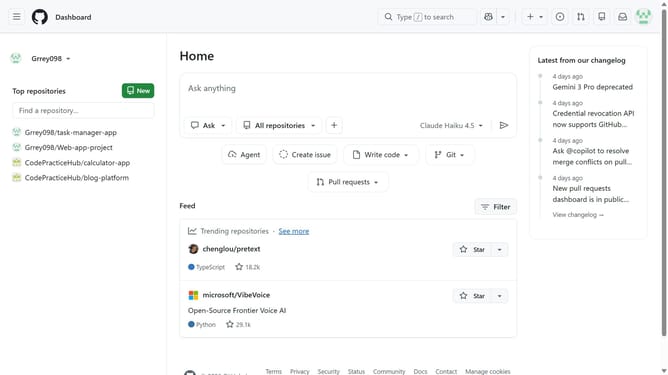
How to rename a repository in GitHub
Here is how to rename a repository in github
- First open the repository you want to rename
- Next click on the "Settings" tab in the top navigation menu
- Locate the "Repository name" text input field in the General settings section
- Then enter the new repository name in the “Repository name” field
- Finally click on the "Rename" button to confirm the repository name change
Why should you rename a repository in GitHub
GitHub is a leading platform where developers collaborate on coding projects, refining their work in the digital space.
Renaming a repository in GitHub is a straightforward feature that empowers users to maintain organized and intuitive project structures. It enhances clarity and helps keep team communication streamlined by ensuring that repository names reflect current project goals.
This feature is especially beneficial in agile environments where projects evolve rapidly, enabling teams to adopt more coherent naming conventions without disrupting workflow or compromising the progress already made.
Last update