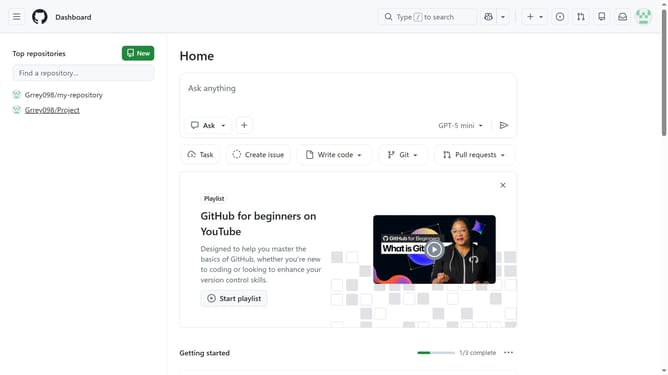
How to manage dependabot alerts for your personal account in GitHub
Here is how to manage dependabot alerts for your personal account in github
- First click on your profile picture in the top-right corner of the header
- Next click on the "Settings" option in the dropdown menu
- In the left sidebar navigation, click on "Code security" under Security section
- Then scroll down to the "Dependabot" section
- Next locate the "Dependabot alerts" option
- To the right of Dependabot alerts, click "Enable all" or "Disable all" to disable or enable Dependabot alerts for all the repositories you own
- You can enable or disable dependabot alerts for new repositories by selecting or deselecting "Automatically enable for new repositories"
Why should you manage dependabot alerts for your personal account in GitHub
GitHub is a collaborative platform where developers share and improve code together.
Managing Dependabot alerts on your personal GitHub account enhances code security by identifying vulnerabilities in dependencies. By quickly addressing these alerts, you ensure your projects are up-to-date and secure.
This proactive approach not only protects your code but also instills confidence in your collaborators, knowing that you're maintaining a secure development environment.
Ultimately, managing Dependabot alerts helps streamline your workflow and supports your commitment to quality code.
Last update