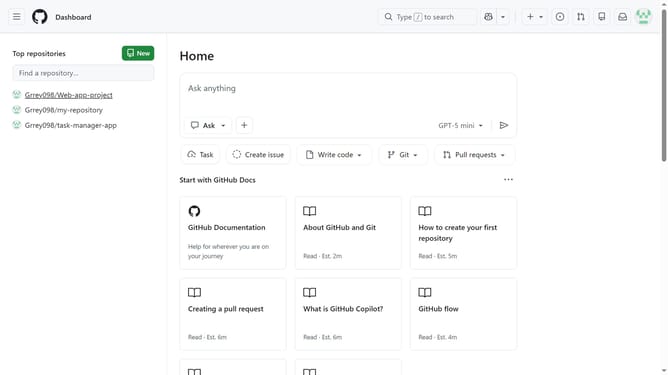
How to remove the email address from a GitHub organization
Here is how to remove the email address from a github organization
- First click on your profile picture in the top-right corner of the header
- Next click on "Organizations" in the dropdown menu
- Click on the "Settings" button next to the organization
- Locate the "Email (will be public)" field on the General settings page
- Then, clear the email address
- Finally scroll down and click on the "Update profile" button to save the changes
Why should you remove the email address from a GitHub organization
GitHub is a powerful platform designed for code collaboration and version control that fuels innovation and teamwork in software development.
The ability to remove an email address from a GitHub organization provides clear advantages for maintaining privacy and security within your team's environment.
By managing email visibility, organizations can reduce potential spam risks and streamline communication channels, ensuring only relevant and necessary contacts are maintained within the GitHub ecosystem.
This feature empowers organizations to keep their online presence organized and focused, fostering more efficient collaboration and resource management.
Last update