How to export a conversation as markdown in GitHub Copilot Chat
Here is how to export a conversation as markdown in github copilot chat
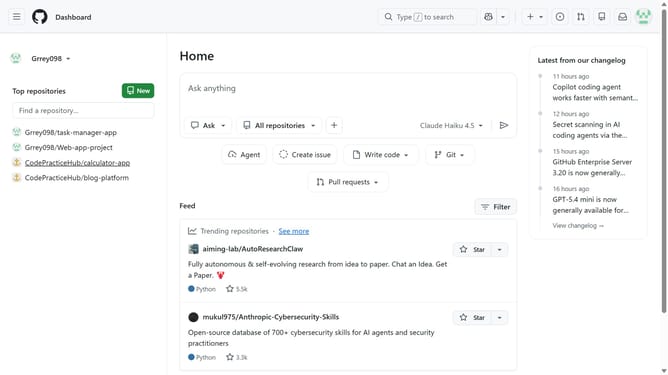
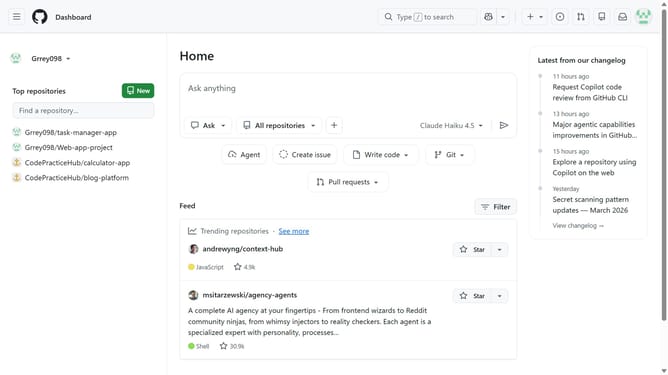
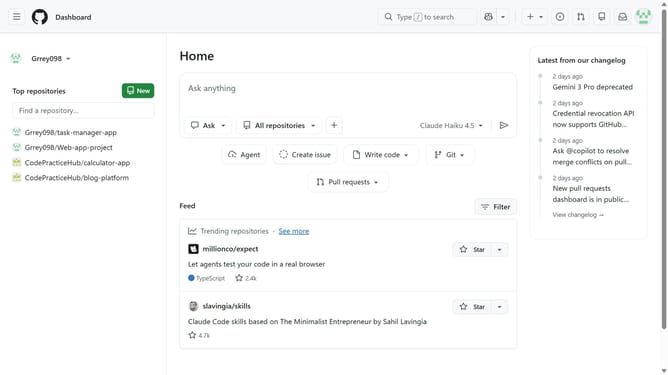
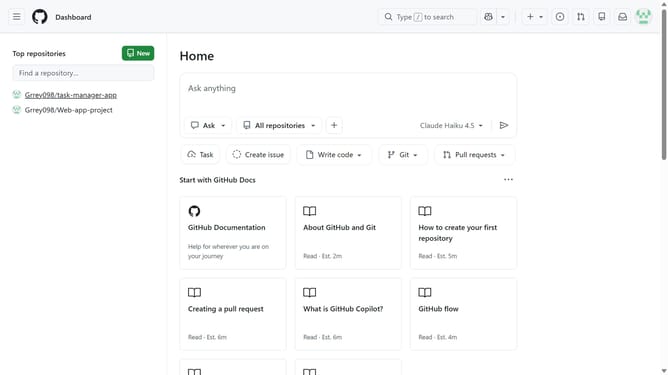
- First, click on the copilot button next to the search bar in the top navigation bar
- Next, open the conversation you want to export
- Click on the conversation title at the top of the chat
- Then click on "Export" from the dropdown menu
- Finally, select "Markdown" from the export options
Why should you export a conversation as markdown in GitHub Copilot Chat
GitHub is a leading platform designed for collaborative software development and version control.
Exporting a conversation as markdown in GitHub Copilot Chat is an incredibly helpful feature. It allows developers to effortlessly save and revisit important discussions, ensuring information is easily accessible when needed.
This feature is particularly beneficial for maintaining organized documentation and sharing insights with teammates. Markdown format makes the text reader-friendly and adaptable for various uses, helping streamline your coding projects.
Last update