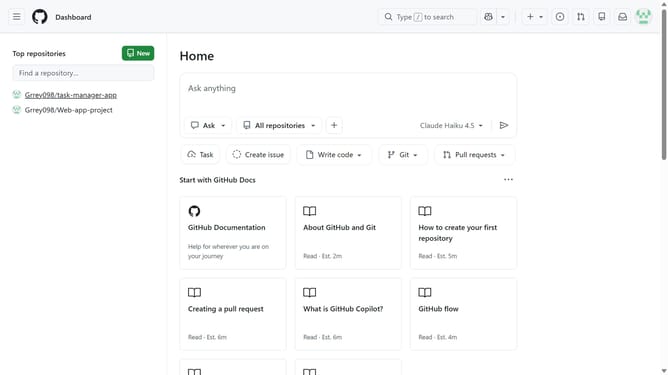
How to find project templates in your GitHub organization
Here is how to find project templates in your github organization
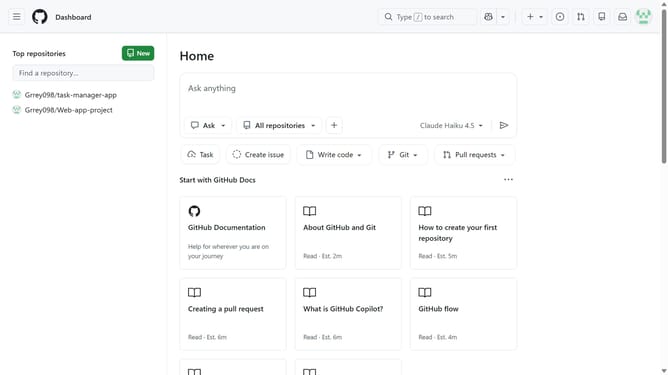
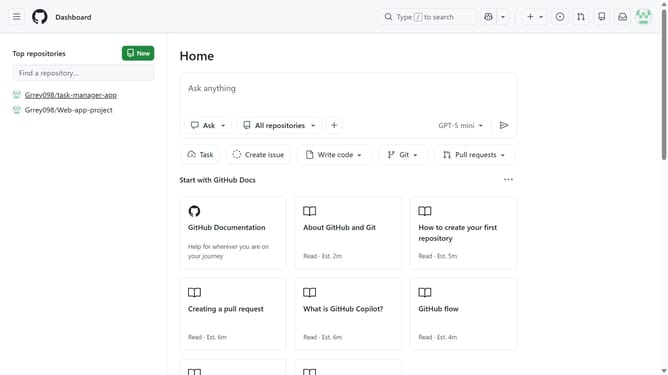
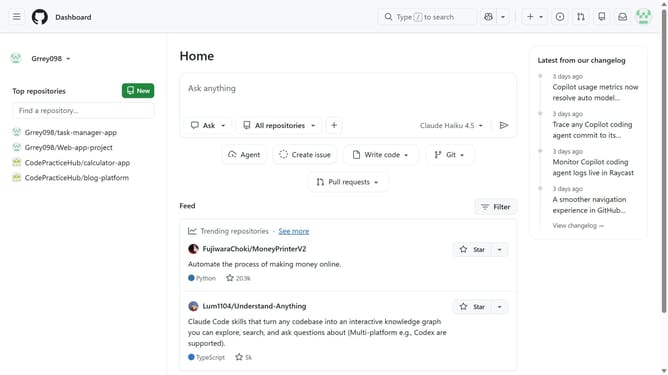
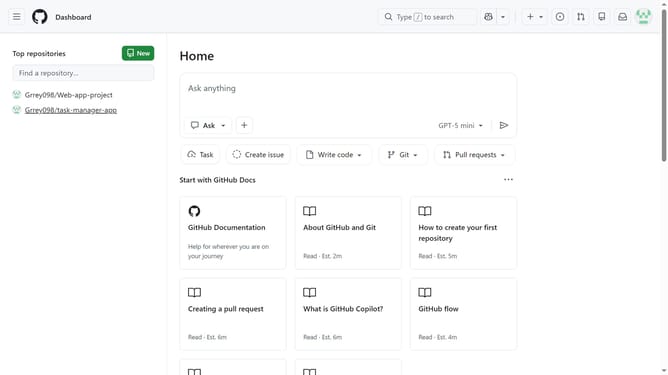
- First click on your profile picture in the top-right corner of the header
- Next click on "Organizations" in the dropdown menu
- Click on the "Settings" button next to the organization
- Click on "Projects" in the top navigation menu
- Then click on "Templates" tab in the left sidebar
- Finally you can see the list of available templates
Why should you find project templates in your GitHub organization
GitHub is a powerful platform designed for collaborative software development and version control.
Locating project templates within your GitHub organization streamlines collaborative efforts by providing a solid foundation for new projects.
Accessing these templates saves valuable time, enabling teams to maintain consistency and best practices across multiple projects.
By utilizing these pre-designed templates, efficiency is enhanced while ensuring high-quality standards are met throughout your organization.
Last update