How to show that you are available for hire in GitHub
Here is how to show that you are available for hire in github
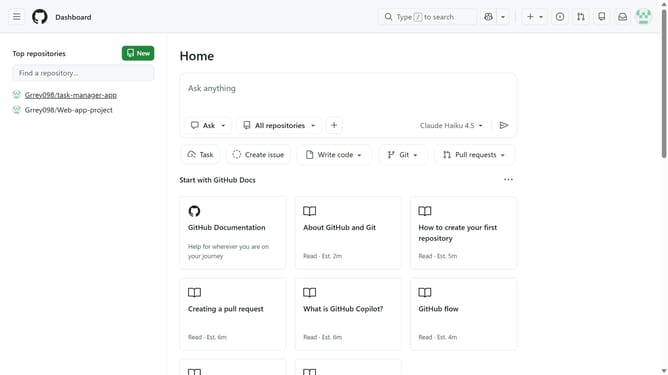
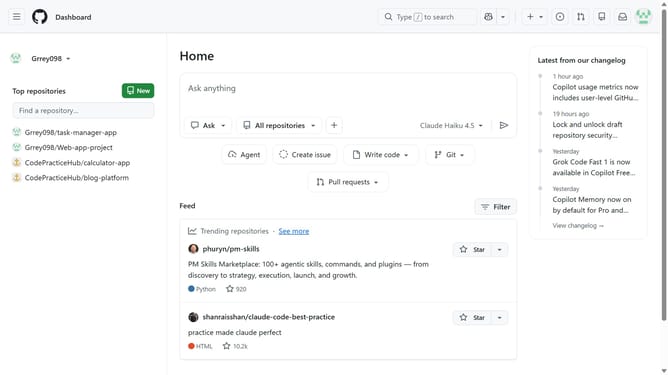
- First click on your profile picture in the top right corner of the header
- Next click on "Settings" option in the profile dropdown menu
- In the left sidebar, click on "Public profile"
- Scroll down to the "Jobs profile" section on the settings page
- Then check the "Available for hire" checkbox to enable job availability
- Finally click on "Save jobs profile" button to save the changes
Why should you show that you are available for hire in GitHub
GitHub is a dynamic platform designed for code collaboration and project management.
By indicating your availability for hire, you can seamlessly connect with potential employers or collaborators who are actively browsing GitHub profiles.
Using this feature enhances your visibility in the tech community, making it easier for companies to discover your unique skills and valuable expertise.
As a result, you can streamline networking opportunities and elevate your professional presence in the ever-growing digital landscape.
Last update