How to set url paste behavior to formatted link in GitHub
Here is how to set url paste behavior to formatted link in github
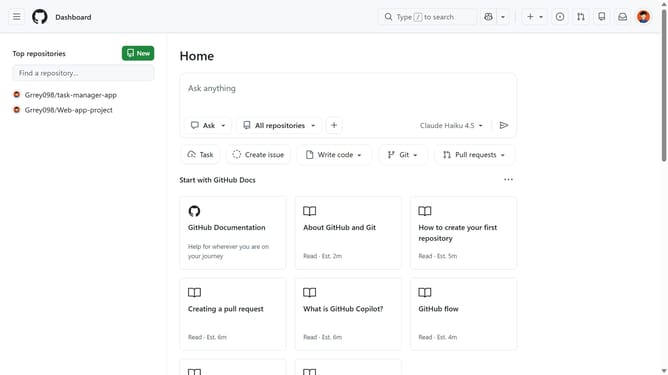
- First click on your profile picture in the top-right corner of the header
- Next click on "Accessibility" option in the dropdown menu
- Scroll down and locate the "Editor settings" section on the Accessibility settings page
- Then select the "Formatted link" option
- Finally click on the "Save editor settings" button to apply the changes
Why should you set url paste behavior to formatted link in GitHub
GitHub is a powerful platform for collaboration and version control, central to the development processes for software projects worldwide.
The feature to set URL paste behavior to formatted link in GitHub allows users to streamline their communication by converting pasted URLs into clickable hyperlinks automatically.
This enhances readability and improves the presentation of shared information, making interactions more efficient and documentation cleaner within the community.
Last update