How to enable your dotfiles repository in GitHub Codespaces
Here is how to enable your dotfiles repository in github codespaces
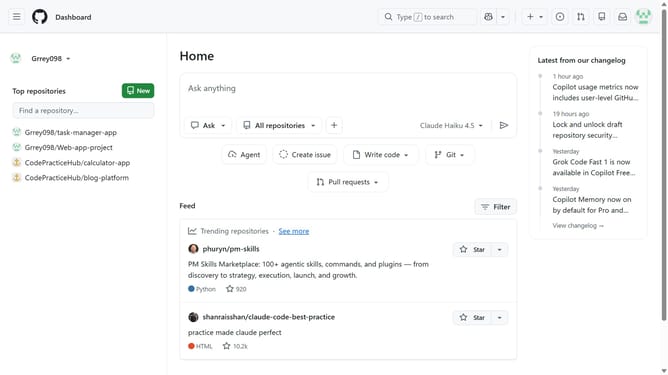
- First click on your profile picture in the top-right corner of the header
- Next click on "Settings" in the dropdown menu
- Click on "Codespaces" in the left sidebar under the "Code, planning, and automation" section
- Locate the "Dotfiles" option on the Codespaces settings page
- Then check the "Automatically install dotfiles" checkbox
- Finally click on the "Select repository" dropdown and select a repository
Why should you enable your dotfiles repository in GitHub Codespaces
GitHub is a collaborative platform ideal for developers collaborating on code.
Enabling your dotfiles repository in GitHub Codespaces offers seamless environment setups tailored to your preferences.
It saves developers valuable time by automating setup processes, ensuring consistency across different machines.
Moreover, it enhances productivity by effortlessly reusing customized configurations, creating a cohesive working environment instantly.
Last update