How to apply dark protanopia and deuteranopia theme in GitHub
Here is how to apply dark protanopia and deuteranopia theme in github
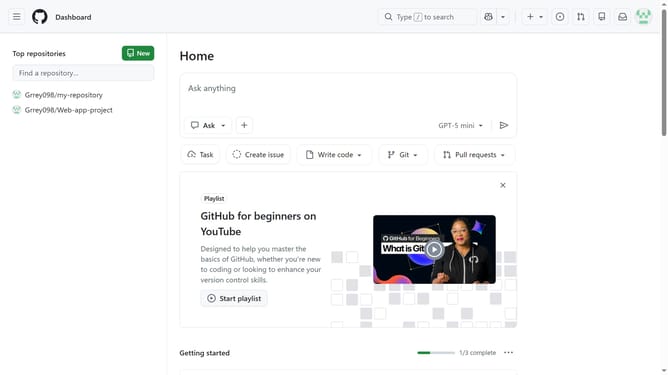
- First click on your profile picture in the top-right corner of the header
- Next click on the "Appearance" option in the user dropdown menu
- In the Theme preferences page, click on the "Theme mode" dropdown
- Then select "Single theme" option from the dropdown menu
- Finally select "Dark protanopia and deuteranopia" from the available theme options
Why should you apply dark protanopia and deuteranopia theme in GitHub
GitHub is a powerful platform designed for developers to collaborate on software projects efficiently.
Applying the dark protanopia and deuteranopia themes in GitHub significantly enhances accessibility options for users with color vision deficiencies. These specially designed themes ensure that color coding, which is crucial in programming, becomes more discernible for users with specific color vision needs.
Utilizing these themes helps create an inclusive environment by reducing eye strain and improving readability, making it easier and more comfortable for developers to work seamlessly.
Last update