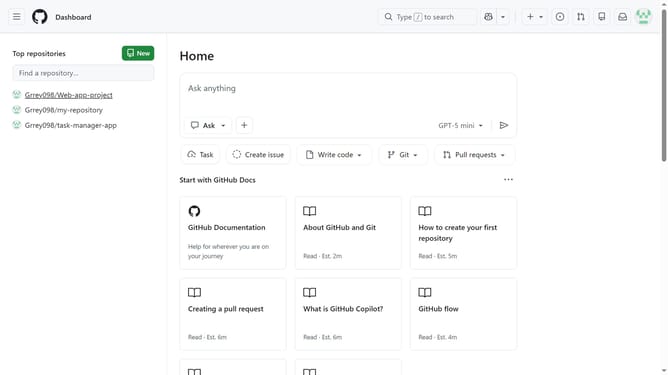
How to update your profile name in GitHub
Here is how to update your profile name in github
- First click on your profile picture in the top-right corner of the page
- Next click on "Settings" option from the dropdown menu
- Locate the "Name" text field in the Public profile section
- Then update your profile name as desired
- Finally scroll down and click on the "Update profile" button to save the changes
Why should you update your profile name in GitHub
GitHub is a premier platform for developers to collaborate on code and version control.
Updating your profile name on GitHub offers an easy way to ensure your professional presence aligns with your current identity.
This feature enhances personal branding, making it easier for collaborators to recognize and connect with you across projects.
Keeping your profile information current can foster trust and transparency, showcasing your attention to detail and commitment to maintaining an active, engaged digital presence.
Last update