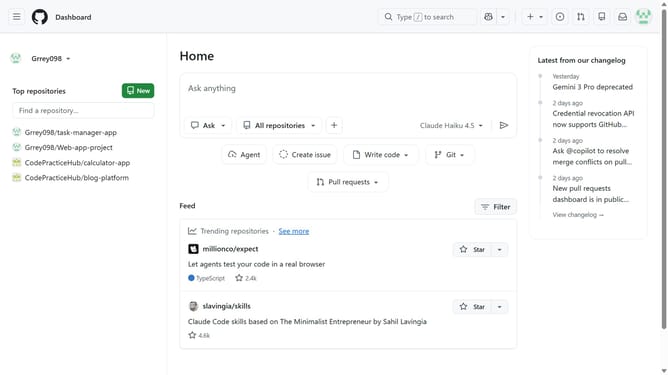
How to invite collaborators to a repository in GitHub
Here is how to invite collaborators to a repository in github
- First open the repository where you want to add collaborators
- Next click on the "Settings" tab in the main navigation menu
- Click on the "Collaborators" option in the left sidebar under the "Access" section
- Then click on the "Add people" button in the "Manage access" section
- Next enter the username, full name or email of the person you want to invite in the search field
- Then click on the user from the search results dropdown
- Finally click on the "Add" button to send the invitation
- Wait for the invited user to accept the access request
Why should you invite collaborators to a repository in GitHub
GitHub is a powerful platform designed to facilitate collaboration and version control for software development projects.
Inviting collaborators to a repository on GitHub enables seamless teamwork by allowing multiple users to contribute to a project. This feature is essential for developers looking to leverage the diverse skill sets of their peers, ensuring projects evolve with collective input.
By inviting collaborators, project owners can enhance productivity, foster innovation, and ensure more comprehensive code reviews, leading to robust and error-free software.
Last update