How to add personal custom instructions in GitHub Copilot
Here is how to add personal custom instructions in github copilot
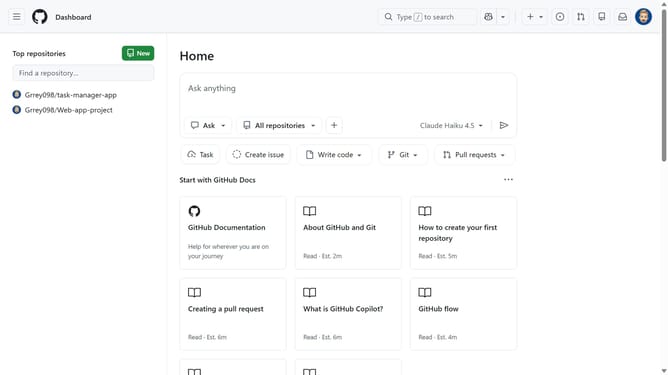
- First click on your profile picture in the top right corner of the header
- Next click on the profile button at the bottom left sidebar
- Click on "Personal instructions" option in the user dropdown menu
- Then click in the instructions text area to activate it
- Add natural language instructions to the text box
- Optionally, click on the lightbulb icon to view instruction templates
- Next use a template for common instructions
- When you select a template, placeholder text appears. Replace placeholders like {format} with your preferences
- Finally click on the "Save" button to save the personal instructions
Why should you add personal custom instructions in GitHub Copilot
GitHub is a collaborative platform designed to streamline the software development process by facilitating code sharing and version control.
Introducing personal custom instructions in GitHub Copilot allows developers to tailor its code suggestion capabilities to better align with individual coding styles or project needs.
By customizing instructions, users can enhance their productivity, ensuring that suggestions are more precise and relevant, ultimately leading to more efficient and personalized coding experiences.
Last update