How to change your profile picture in GitHub
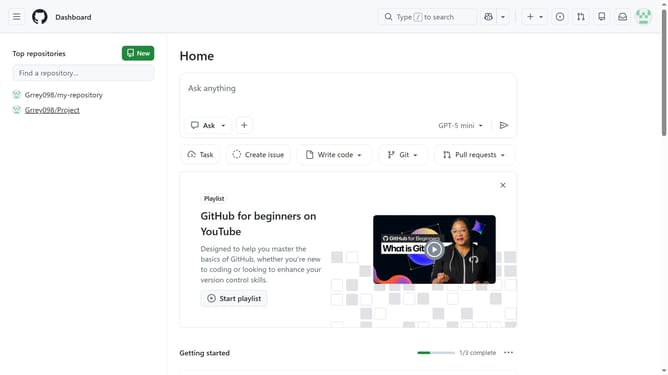
Here is how to change your profile picture in github
- First click on your profile picture in the top-right corner
- Next click on "Settings" option in the dropdown menu
- Click on "Edit" button in the Profile picture section
- Then click on "Upload a photo..." option in the profile picture menu
- In the "Crop your new profile picture" dialog, adjust the image as needed
- Finally click on "Set new profile picture" button to save the changes
Why should you change your profile picture in GitHub
GitHub is a powerful platform that fosters collaboration and helps developers manage and store their code projects.
Changing your profile picture on GitHub is a simple yet impactful feature that enhances your personal or professional brand. It allows you to visually express your identity in the developer community.
A well-chosen profile picture makes your contributions easily recognizable, fostering a sense of authenticity and trustworthiness. It’s an opportunity to make a great first impression and connect with peers and potential collaborators more efficiently.
Last update