How to enable warning notifications for codespace deletions in GitHub
Here is how to enable warning notifications for codespace deletions in github
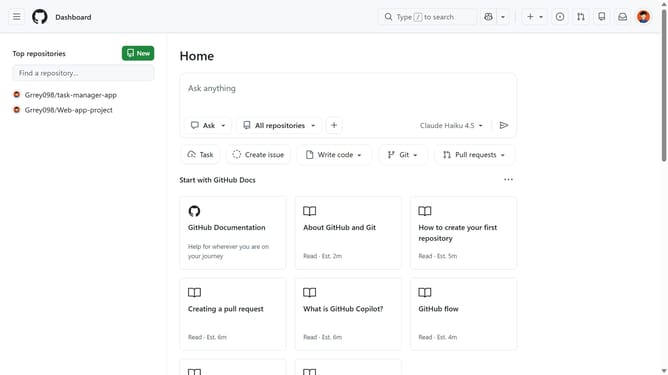
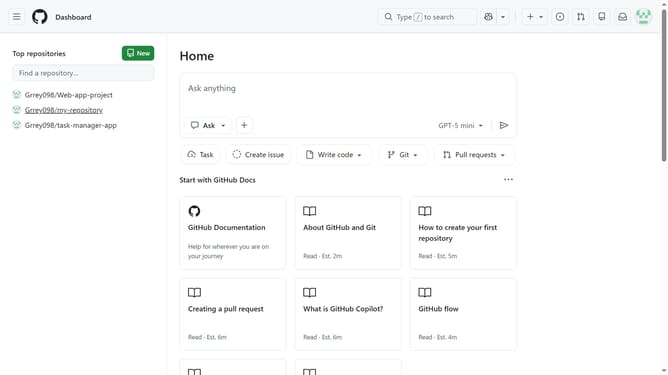
- First click on your profile picture in the top-right corner of the header
- Next click on "Settings" in the dropdown menu
- Click on "Codespaces" in the left sidebar under the "Code, planning, and automation" section
- Then scroll down to the "Notifications" section in the Codespaces settings
- Finally check the "Enable" checkbox to enable warning notifications for codespace deletions
Why should you enable warning notifications for codespace deletions in GitHub
GitHub is a robust platform for developers to collaborate on projects, enhancing code sharing and improvement.
By enabling warning notifications for codespace deletions, users add a vital layer of security and control to their workflow. It ensures that nothing is accidentally removed without prior notice, giving developers peace of mind. This feature nurtures a fail-safe environment where productivity and focus can thrive.
Utilizing these notifications significantly aids in maintaining project integrity and continuity, crucial for seamless team collaboration.
Last update