How to rename a conversation from the sidebar in GitHub Copilot Chat
Here is how to rename a conversation from the sidebar in github copilot chat
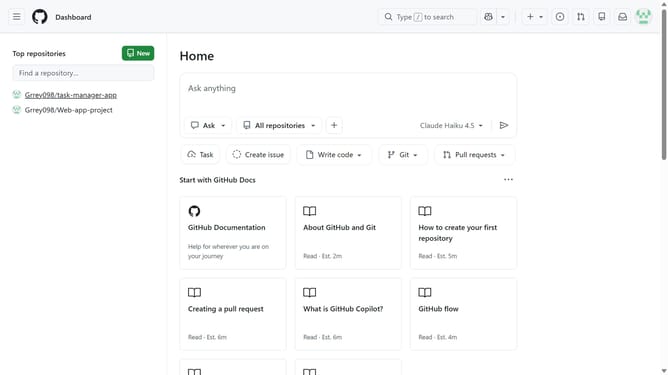
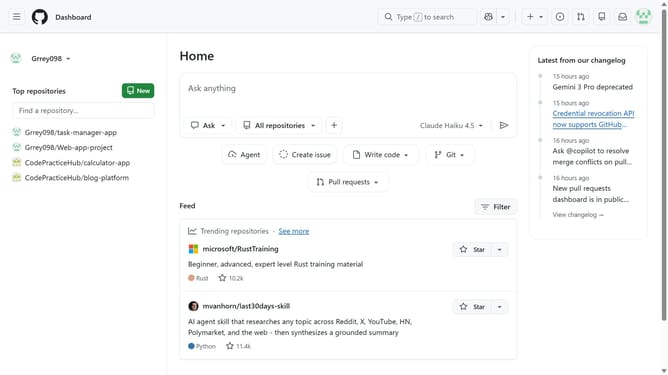
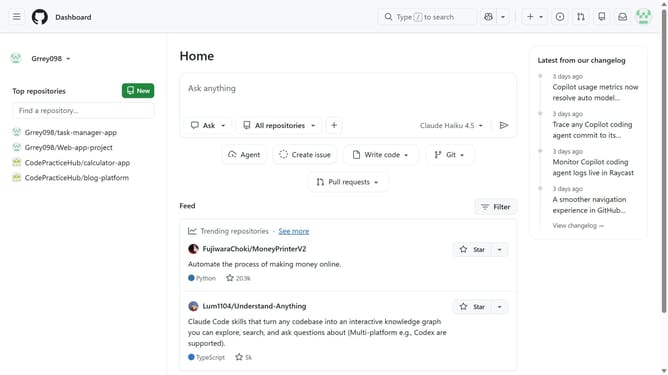
- First, click on the “Copilot” button next to the search bar in the top navigation bar
- Next, locate the conversation you want to rename in the sidebar
- Hover over the conversation name and click on the three dots menu
- Then click on the "Rename" option
- After that, enter the new name into the input field
- Finally click on the "Update" button to apply the changes
Why should you rename a conversation from the sidebar in GitHub Copilot Chat
GitHub is a robust platform designed for collaborative software development and version control.
In GitHub Copilot Chat, renaming a conversation from the sidebar enhances organization, allowing you to personalize and streamline your interactions.
This feature empowers developers by making navigation more intuitive. Clear labels help prioritize tasks and draw focus to the most relevant discussions, improving efficiency and collaboration.
Ultimately, staying organized leads to a more productive and enjoyable coding experience.
Last update