How to disable Codex coding agent in your GitHub organization
Here is how to disable codex coding agent in your github organization
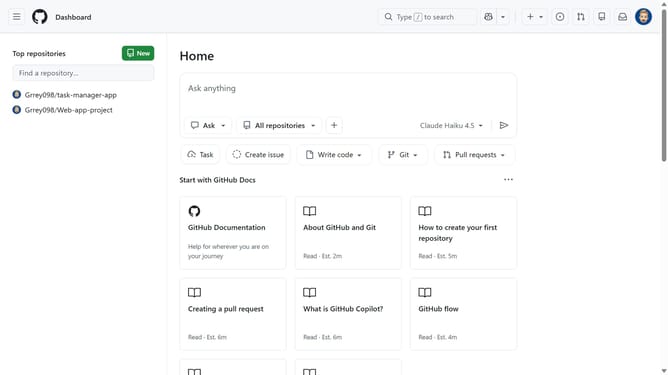
- First click on your profile picture in the top-right corner of the header
- Next click on "Organizations" in the dropdown menu
- Click on the "Settings" button next to the organization you want to manage
- Click on "Copilot" in the left sidebar under Code, planning, and automation section
- Click on "Coding agent" in the Copilot submenu
- Then locate the "Partner agents" section
- Finally, toggle off the switch for “Allow Codex coding agent” to disable it
Why should you disable Codex coding agent in your GitHub organization
GitHub is a robust platform designed to empower developers by providing a collaborative environment for coding projects.
Disabling the Codex coding agent in your GitHub organization can enhance security and maintain focus. Implementing this feature allows teams to conduct operations without external coding suggestions.
By managing Codex, administrators ensure consistent coding practices and secure repository access. This approach aligns project activities with organizational standards and priorities.
Last update