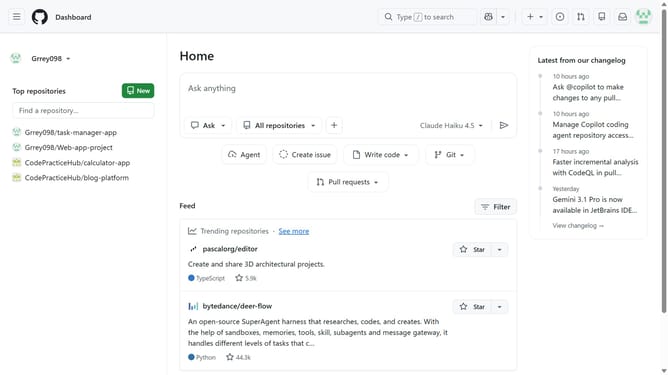
How to enable the projects tab for a repository in GitHub
Here is how to enable the projects tab for a repository in github
- First, open the repository you want to enable the Projects tab for
- Next click on the "Settings" button in the top navigation menu
- Click on the "General" option in the left settings sidebar
- Scroll down to the “Features” section
- Then locate the "Projects" option in the Features section
- Finally, check the “Projects” option to enable the Projects tab
Why should you enable the projects tab for a repository in GitHub
GitHub is the premier platform for developers to collaborate on code and innovate together.
Enabling the Projects tab for a repository in GitHub brings organizational clarity and project management capabilities to your fingertips.
When you activate this feature, you gain the ability to seamlessly track issues, tasks, and workflows in one centralized location.
This integration helps streamline team efforts, ensuring priorities are visible and everyone stays aligned toward common goals.
Last update