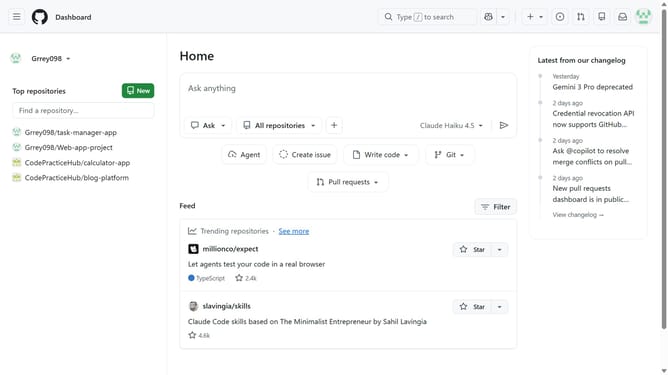
How to disable watching notifications in GitHub
Here is how to disable watching notifications in github
- First click on your profile picture in the top-right corner of the header
- Next click on "Settings" option in the dropdown menu
- In the left sidebar navigation, click on "Notifications"
- Locate the "Watching" notification setting in the subscriptions section
- Click on the dropdown button under the "Watching" option
- Then deselect "On GitHub" and "Email" in the notification channels modal
- Finally click on the "Save" button to apply the notification preferences
Why should you disable watching notifications in GitHub
GitHub is a powerful platform for version control and collaboration, revolutionizing software development.
Disabling watching notifications in GitHub is a valuable feature that enhances focus by reducing unnecessary alerts. It provides a serene development environment by allowing users to curate the notifications that truly matter to them.
This feature helps users avoid information overload, ensuring that important updates are not lost amidst a torrent of less critical notifications. By strategically managing notifications, teams can improve productivity and maintain a streamlined workflow.
Last update