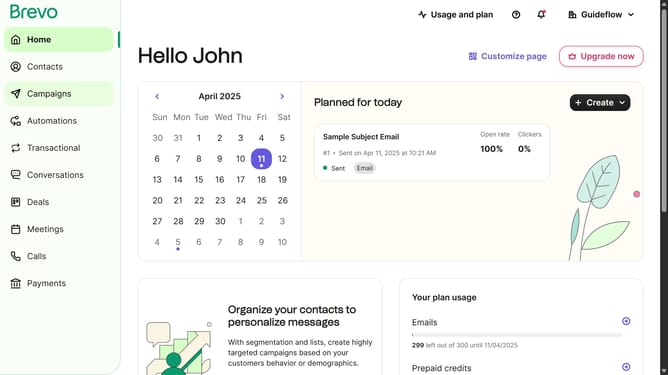
How to make a copy of contact list in Brevo
Here is how to make a copy of contact list in brevo
- First click on "Contacts" in the left sidebar navigation menu
- Then click on "Lists" in the submenu under Contacts section
- Next click on the dropdown button in the "Lists" main menu section
- Then click on the "Client Folder" row in the lists table
- Then click on the options menu (three dots) in the list row
- Next click on "Duplicate" option in the dropdown menu
- Then click in the "Name of the list" input field
- Next click on the "Destination folder" dropdown
- Then select "Your First Folder" from the destination folder options
- Finally click the "Duplicate list" button to complete the process
Why should you make a copy of contact list in Brevo
Brevo is an innovative platform designed to streamline your communication and contact management needs.
The feature allowing you to make a copy of your contact list in Brevo is invaluable for maintaining an efficient workflow.
This capability ensures you have backups readily available, promoting seamless business operations and facilitating easy data sharing within teams.
By using this feature, businesses can save time, reduce the risk of data loss, and enhance collaboration.
Last update