How to filter audit logs by profiles batch deleted in Mixpanel
Here is how to filter audit logs by profiles batch deleted in mixpanel
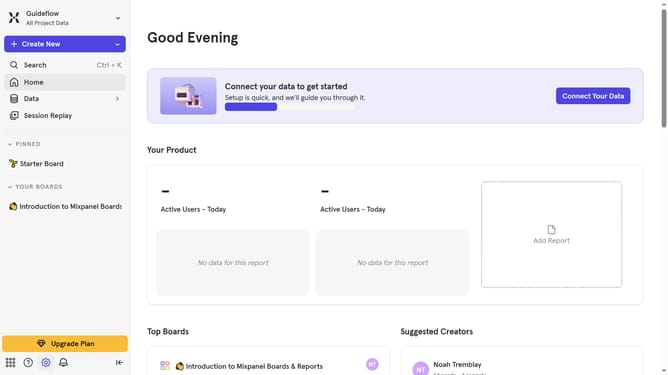
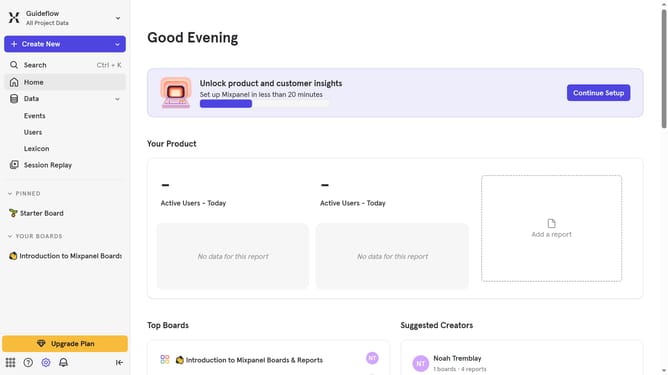
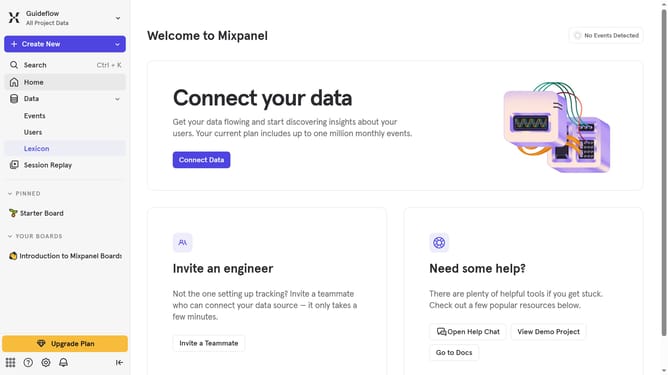
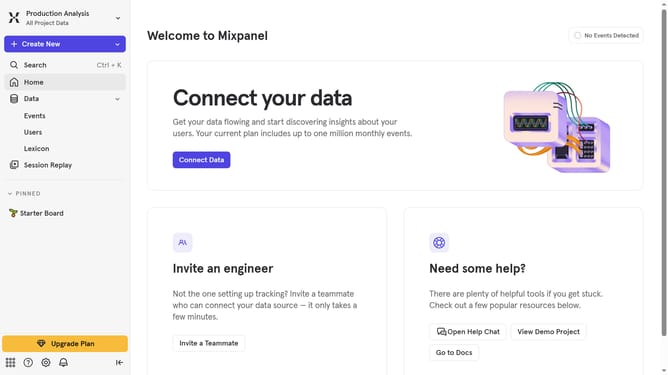
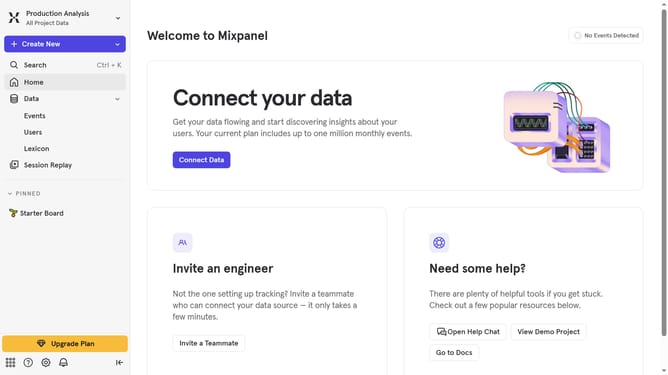
- First click on the settings icon in the bottom left sidebar
- Then hover your mouse cursor over the "Settings" menu
- Next, select "Organization Settings" from the "Settings" dropdown
- Then click on the "Audit Log" item in the left sidebar
- After that, click on the "Action" dropdown menu
- Then scroll down to view more options
- Finally, select the "Profiles Batch Deleted" checkbox
Why should you filter audit logs by profiles batch deleted in Mixpanel
Mixpanel is an advanced analytics platform designed to help businesses understand user behavior.
One of its most beneficial features is filtering audit logs by profiles batch deleted, enhancing administrative oversight and data integrity.
This functionality allows users to pinpoint specific events, ensuring clarity in multi-profile management. By easily identifying and filtering these deleted profiles, businesses enhance accountability and streamline data monitoring.
This results in more informed decision-making and boosts overall operational efficiency, allowing teams to focus on growth without data concerns.
Last update